Animals
Jellyfish live wallpaper for Mac
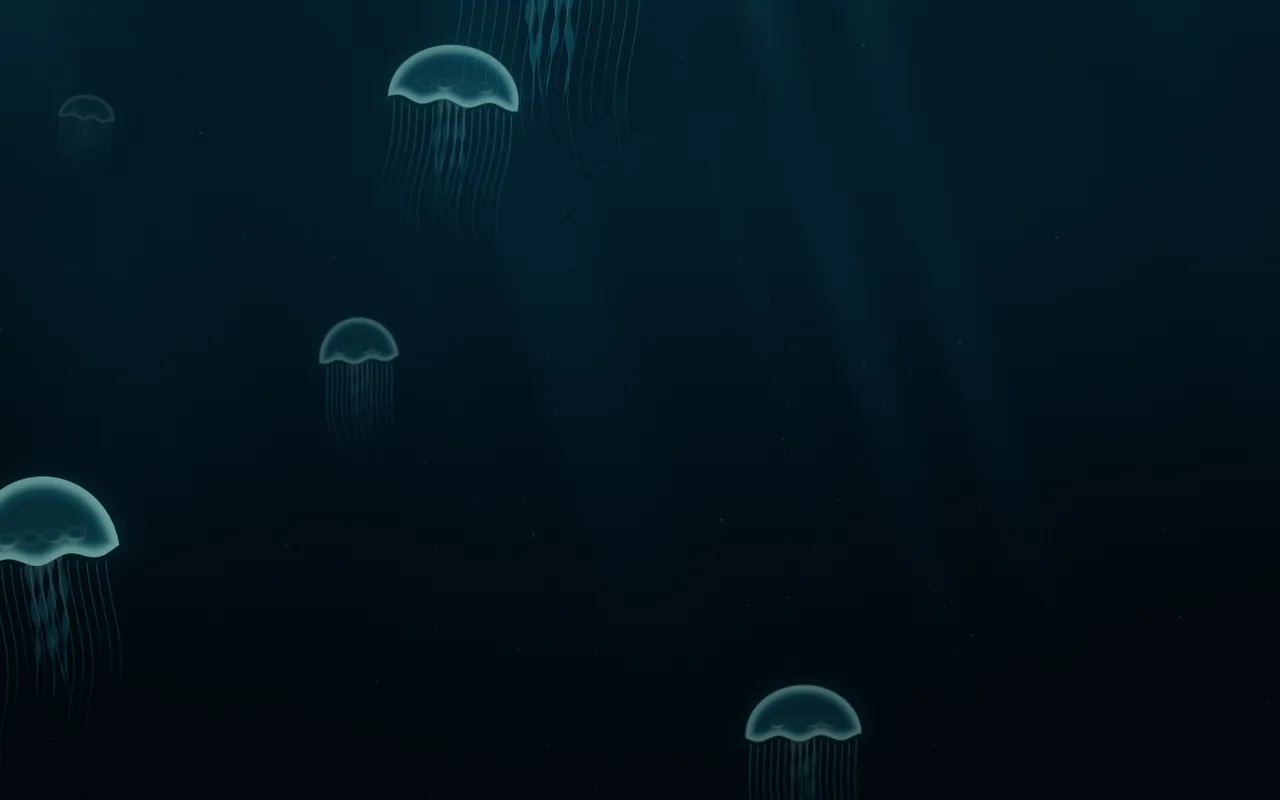
Moon jellies pulse their way up through dark water under shafts of light from the surface: Jellyfish is a live wallpaper your Mac draws as it plays, in MacScapes.
By Chris at Neon FrenchieUpdated
- In MacScapes
- MacScapes Pro
- Family
- Animals
- Default palette
- Deep Sea
How the jellies move
Each jelly pulses about every four to five seconds. The bell contracts quickly, relaxes slowly and lifts a little with each beat, on top of a slow, steady rise. Its fine tentacles sway and draw in as the bell contracts, four frilled arms trail from the middle, and four faint rings show through the bell, as they do on a real moon jelly.
Near jellies are large and sharp. Far ones are smaller, a little out of focus and fade into the water. When one rises past the top of the screen it comes back from below somewhere else, so the water never empties. Specks of marine snow drift down past them, a few of them close up.
Scale makes the jellies larger or smaller, and Intensity brightens the light from above along with the jellies.
On your desktop
The water is darkest at the bottom and lighter toward the surface, with soft shafts of light reaching down. The default Deep Sea palette gives blue-green jellies in near-black water; Midnight, Lagoon or Ultraviolet keep it dark. On a light palette the scene flips to pale water with darker jellies.
None of the ten ambient sounds is underwater, so if you want sound, pick something low and even, such as Brown Noise (Pro).
Settings
Every scene has Speed, Intensity, Scale, Grain and Vignette, and Shuffle for a new variation. Jellyfish adds its own:
- Jellies
- How many jellies are in the water, from three to eight (six to start).
- Glow
- How brightly the bells, rims and tentacles shine.
How to set it
- Click MacScapes in the menu bar, choose Open MacScapes, then Scenes in the sidebar (or press ⌘2).
- Select Jellyfish under Animals. The inspector opens with a preview, the palettes and the Adjustments.
- Click Apply to make it the background of the vibe you’re using, or Save as New Vibe to keep it alongside your widgets and sound. Jellyfish is a Pro scene, so both need MacScapes Pro; the preview and the Adjustments work without it.