

Vibes
A whole desktop, saved as one.
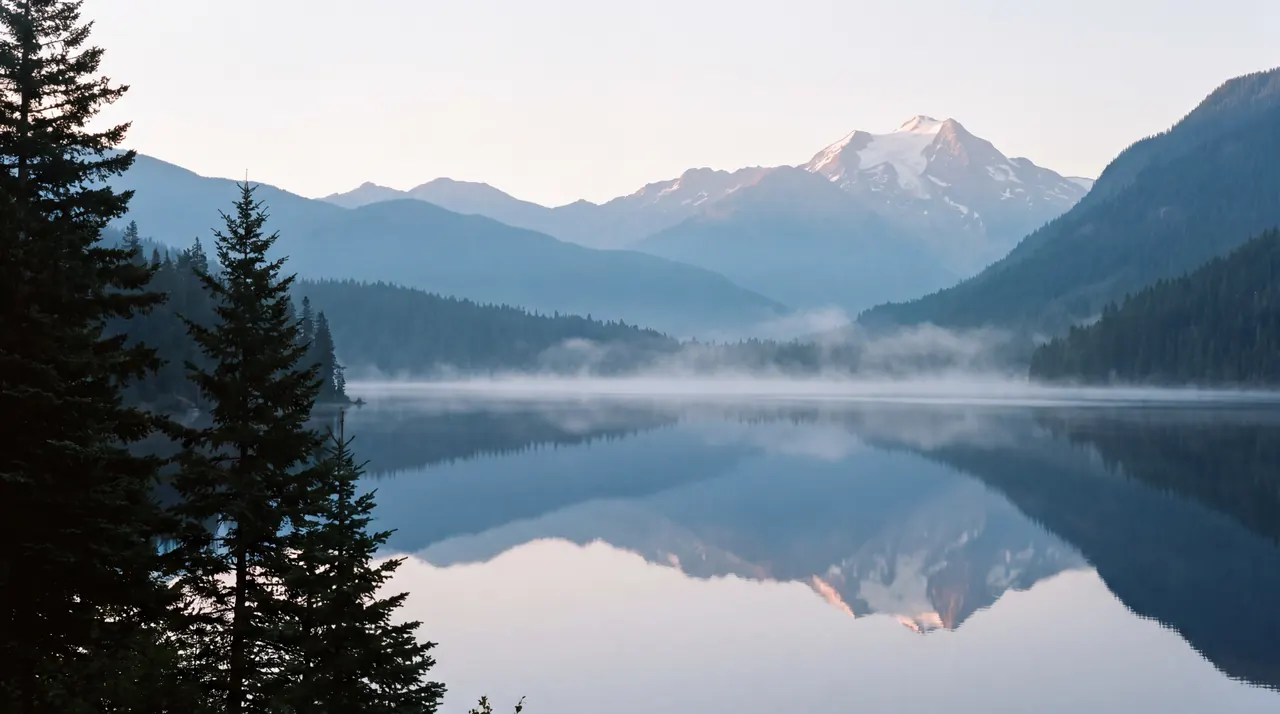
A vibe keeps a scene and its palette together with the widgets on your desktop and, if you like, a soundscape. Change vibe and all of it changes at once, in a slow cross-fade.

Wednesday, October 7
9:41
Kyoto
18°
Partly Cloudy
H:22° L:14°
One vibe, taken apart
- Scene
- Alpine Lake
A Living Still: a picture that drifts with real depth.
- Palette
- Glacier
Tints every widget to match the water.
- Widgets
- Clock and Weather
A bare clock set in serif, weather on a tinted panel.
- Sound
- Stream
Quietly underneath, at a volume the vibe remembers.
Switch from the menu bar, press ⌃⌥⌘→ for the next one, or let the schedule decide.
Thirteen to begin with.
Start from one of these, change anything, and save it as your own. Make as many as you like.
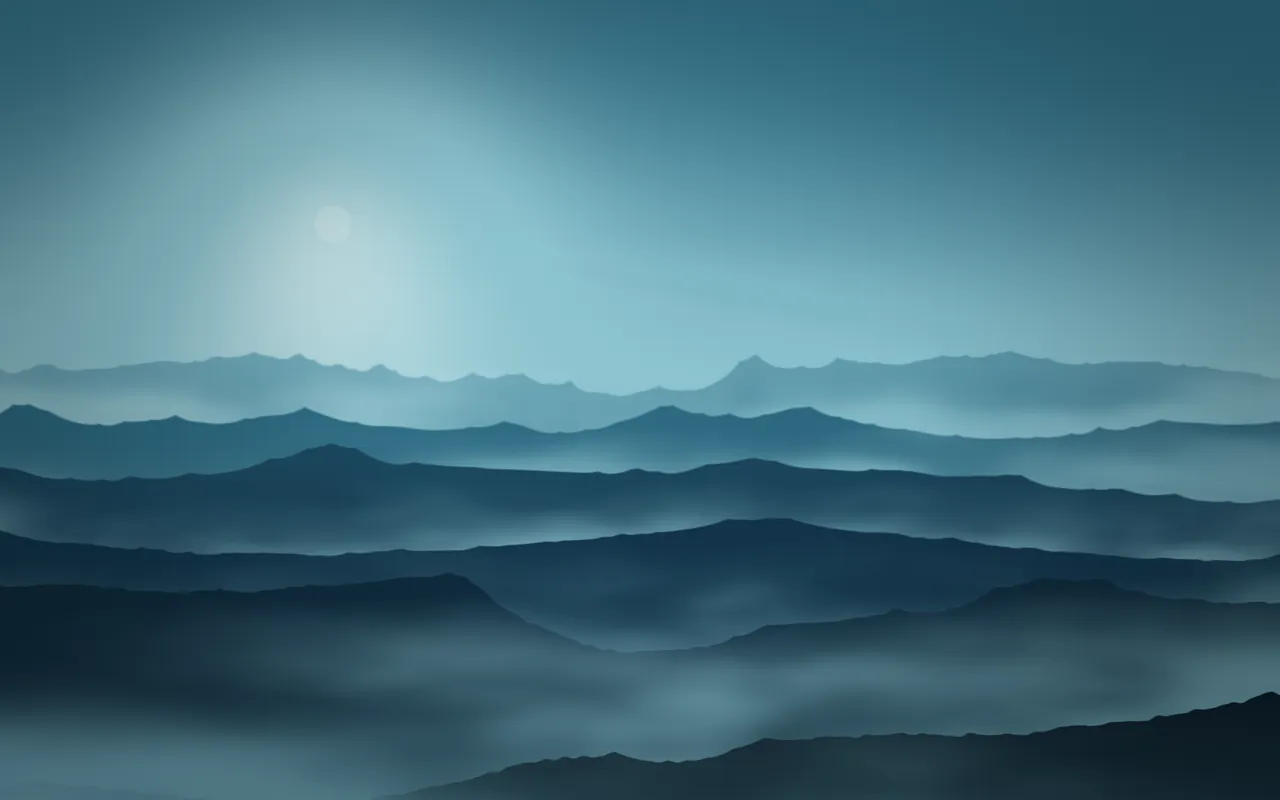
Quiet Morning
Mist · Glacier

Golden Hour
Silk · Ember
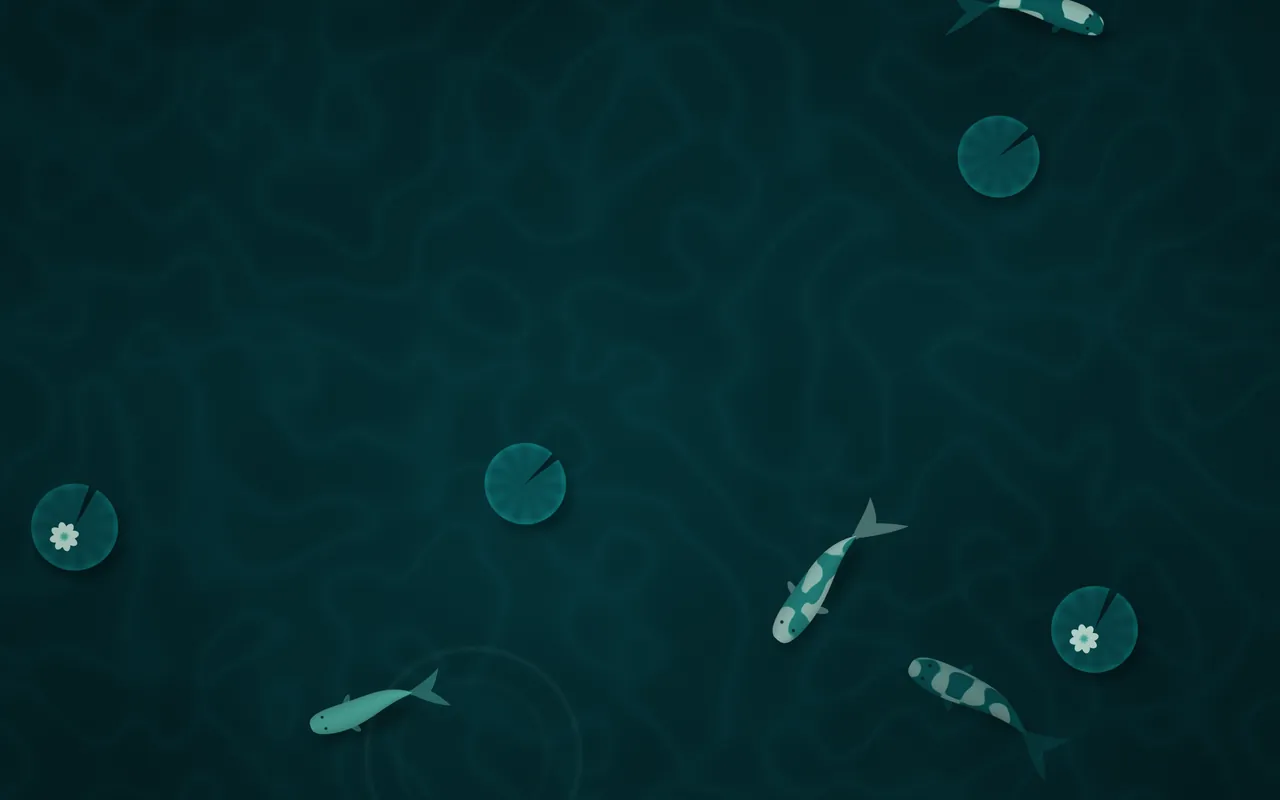
Koi Pond
Koi · Lagoon
Stream
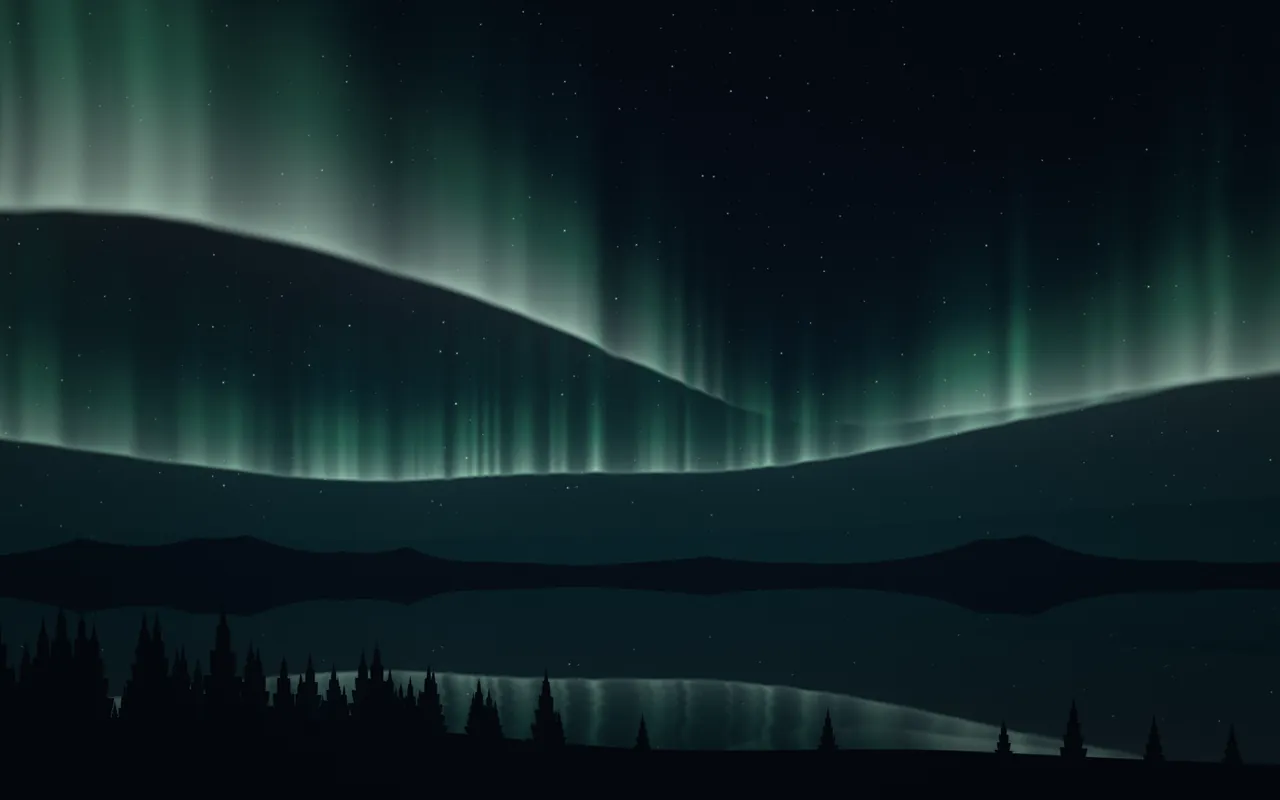
Night Owl
Aurora · Borealis
Night

Rainy Café
Rain · Storm
Rain
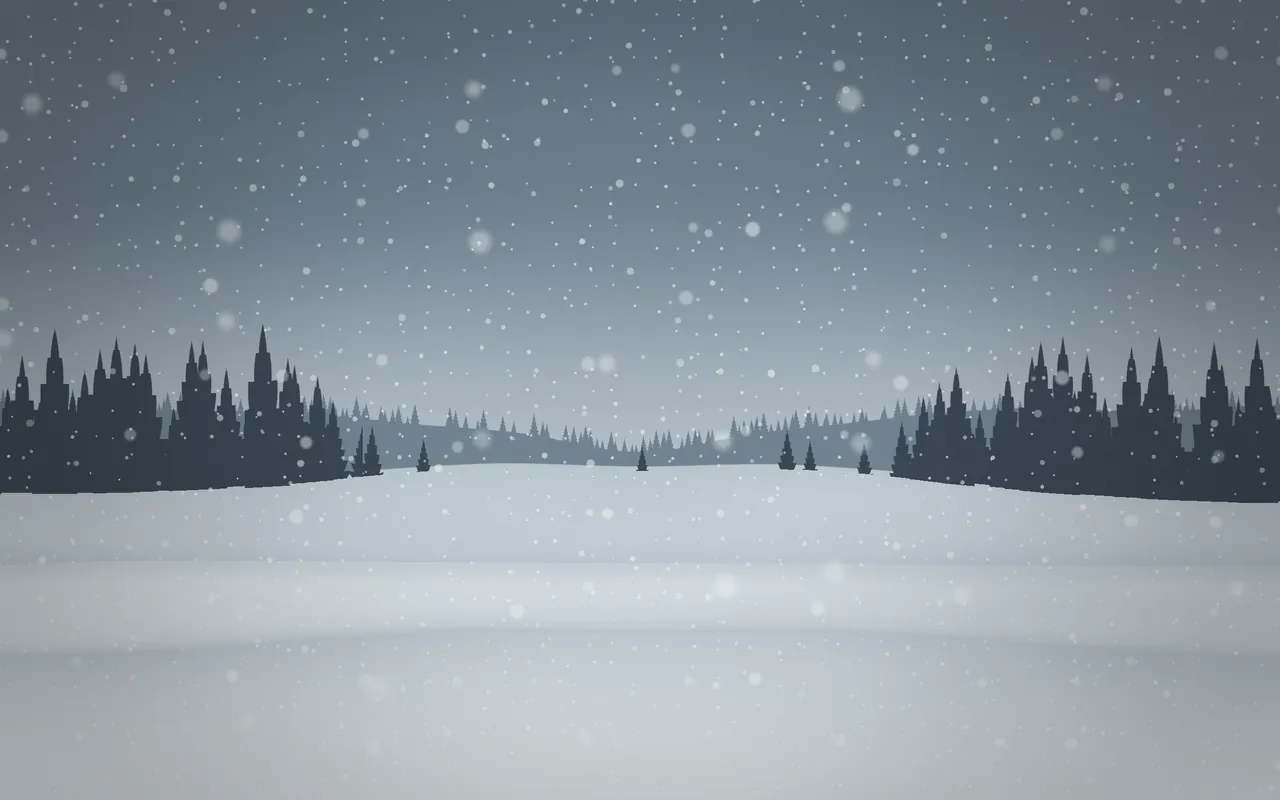
First Snow
Snow · Nordic
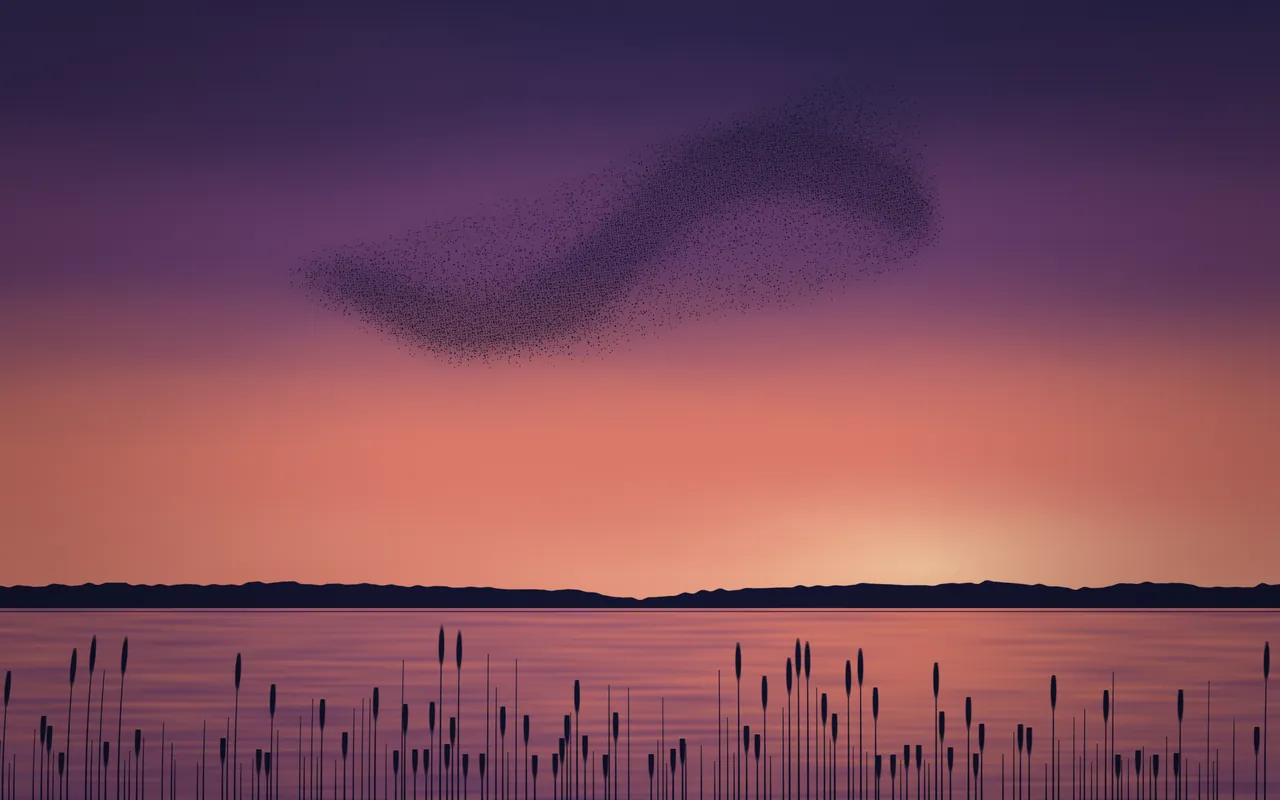
Evening Flight
Murmuration · Dusk
Wind
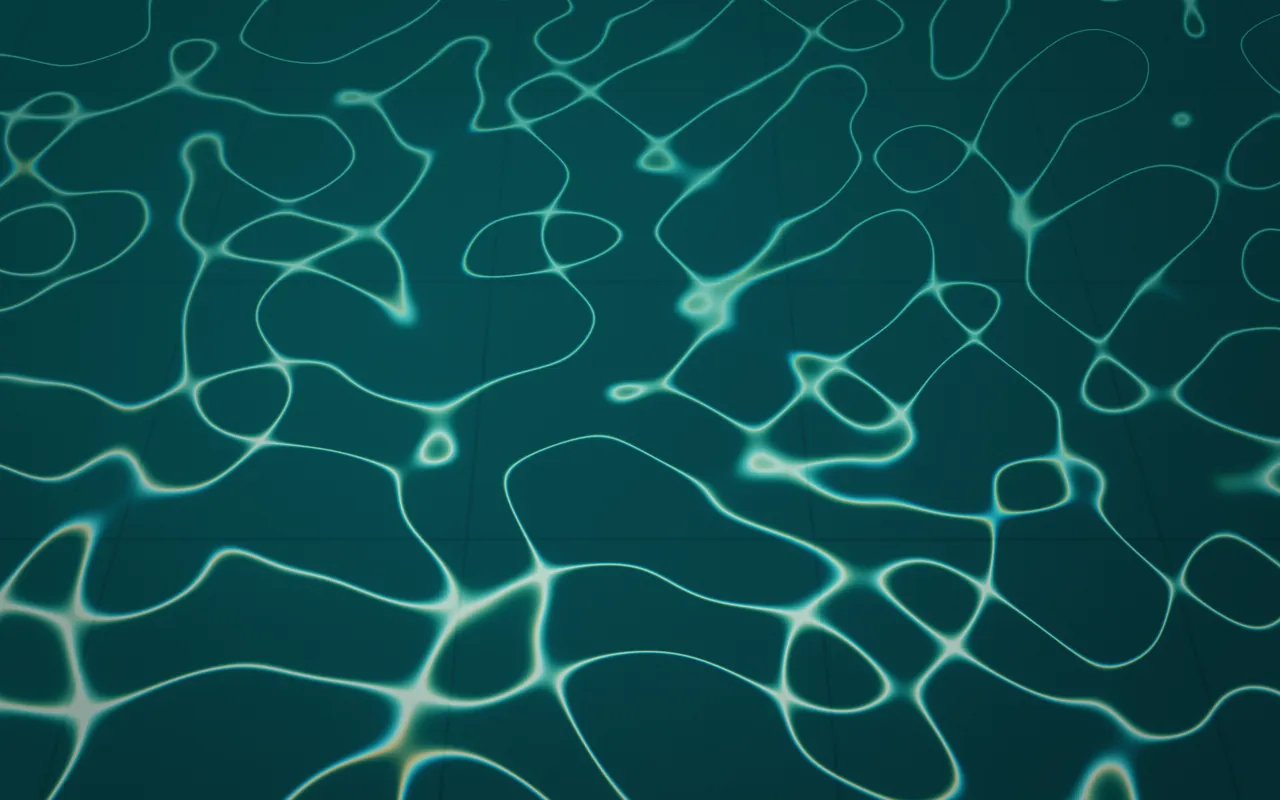
Tidepool
Caustics · Lagoon
Ocean
The full set: Quiet Morning, Deep Work, Golden Hour, Night Owl, Rainy Café, Campfire, First Snow, Tidepool, Studio, Lights Out, Daydream, Koi Pond and Evening Flight.
Schedule
Changes with your day.
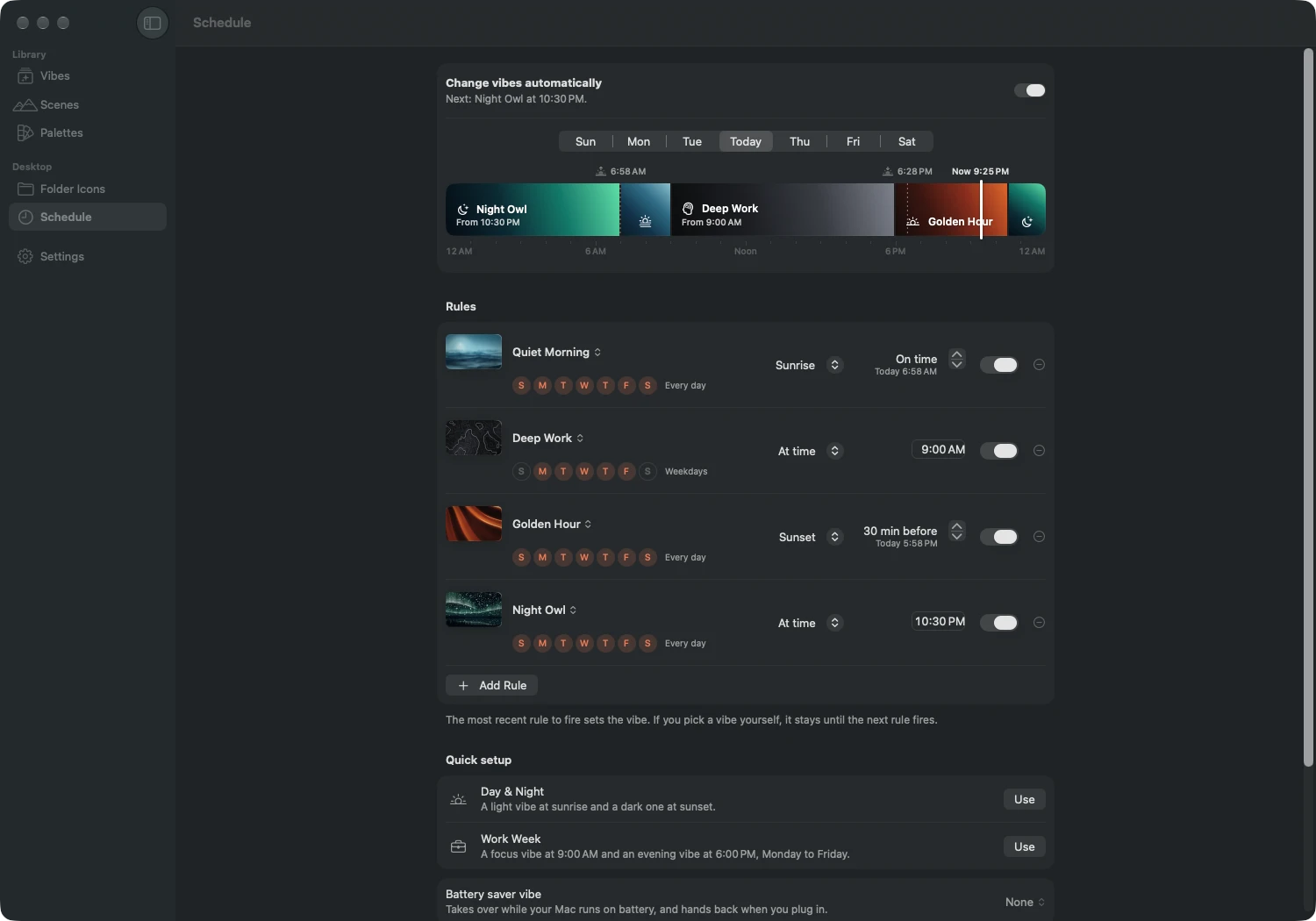
Give the morning one vibe and the evening another. MacScapes works out sunrise and sunset on your Mac and moves between vibes on its own, so the desktop warms as the light outside does.
- Night Owl
12:00 AM
Overnight
- Quiet Morning
6:24 AM
Sunrise
- Deep Work
9:00 AM
Weekdays
- Battery Saver
1:00 PM
Unplugged
- Deep Work
4:00 PM
Plugged in
- Golden Hour
6:22 PM
Sunset − 30 min
- Night Owl
10:00 PM
Every night
At a time
Nine o’clock on weekdays, ten every night. Each rule runs on the days you pick.
By the sun
Sunrise or sunset, with an offset if you want the warm light early. Use your location, type a city, or let your time zone stand in. Sunrise and sunset are worked out on your Mac.
On battery
Unplug and a lighter vibe of your choosing takes over until you’re back on power.
Start from Day & Night or Work Week, or write your own rules. Switch by hand whenever you like; your choice holds until the next scheduled change.
Scenes
Forty-two scenes. Forty-eight palettes.
Drawn live on the GPU, slow enough to forget about, and recolored by whichever palette you choose. Plus nine Living Stills.
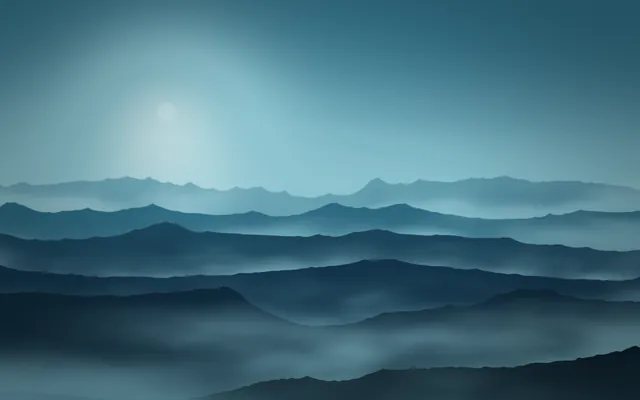
MistFree
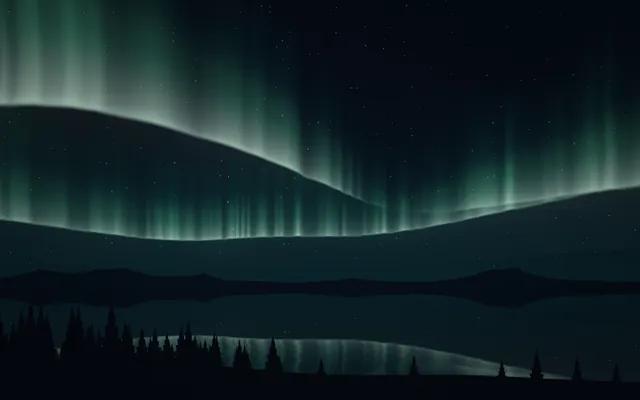
AuroraFree

HazeFree
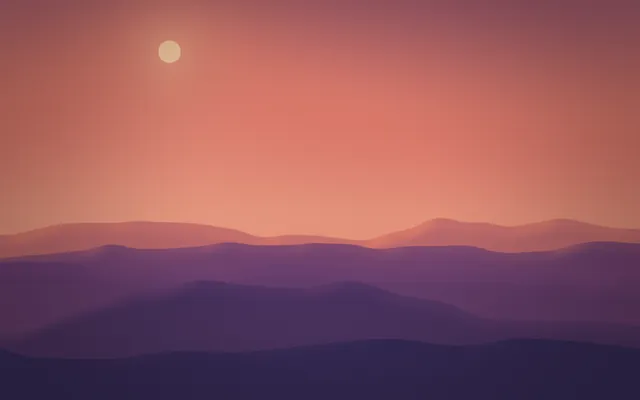
DaybreakFree

Nebula
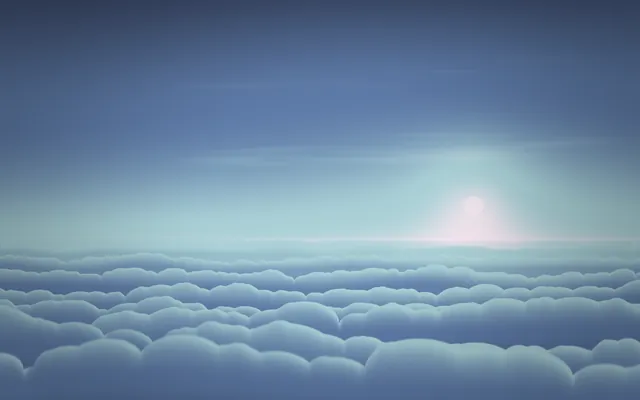
Clouds
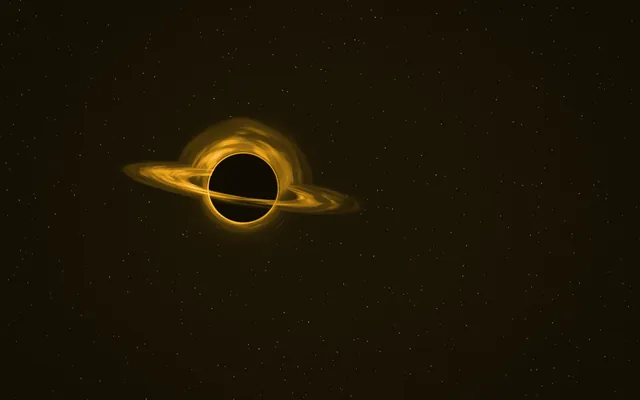
Event Horizon

SilkFree

Lava
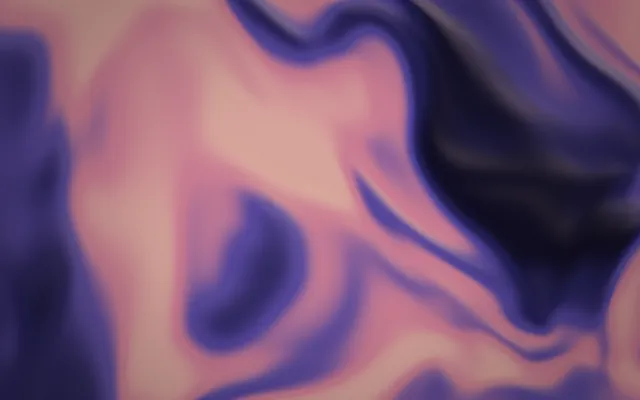
Plasma
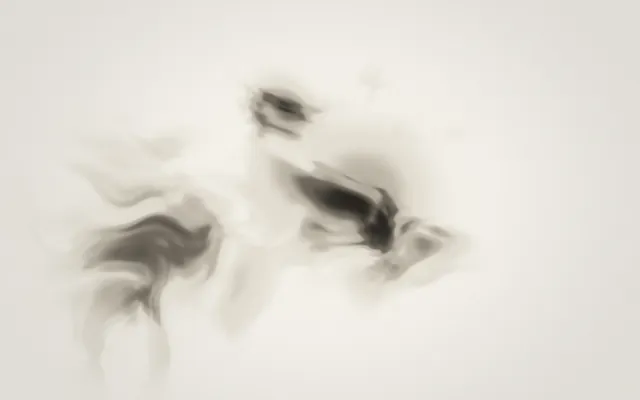
Ink
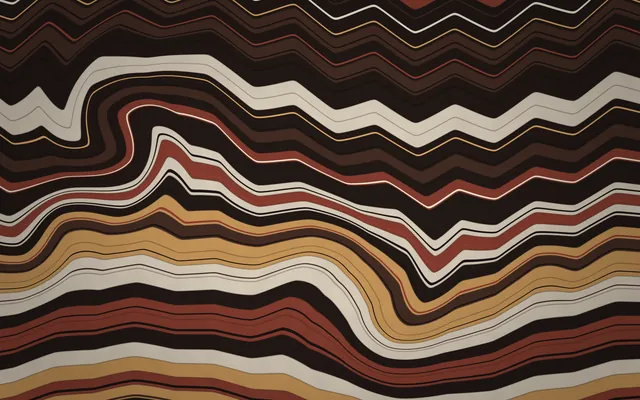
Marble
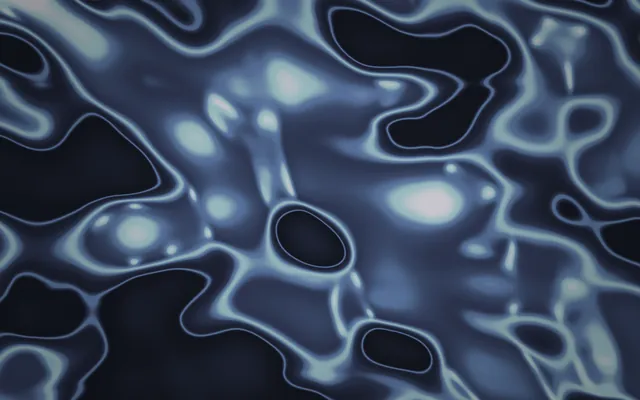
Chrome
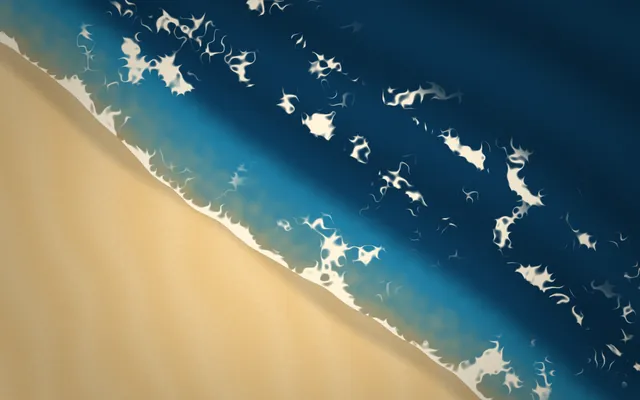
Shore
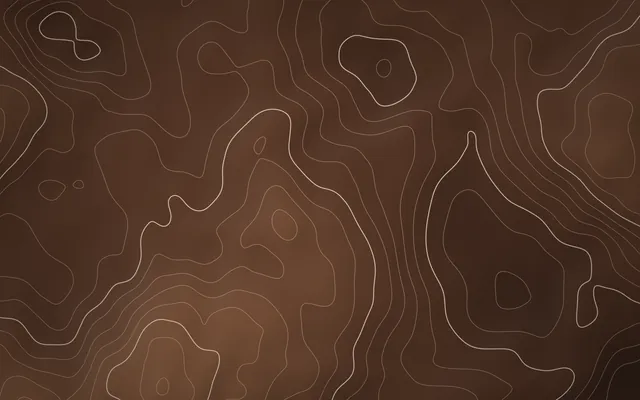
ContoursFree
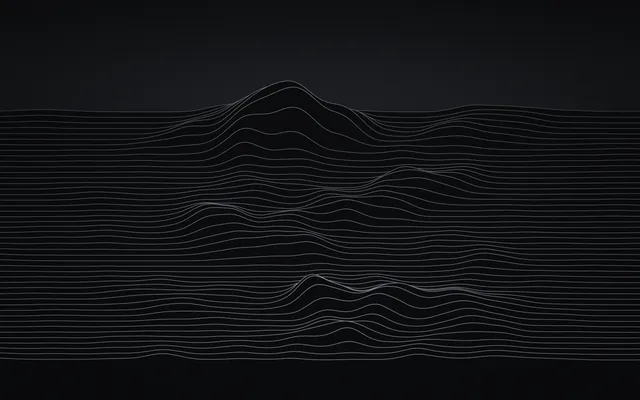
Waves

Halftone
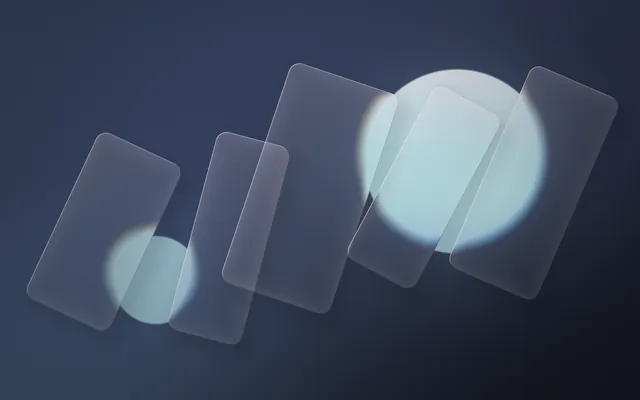
Prism

Ripples
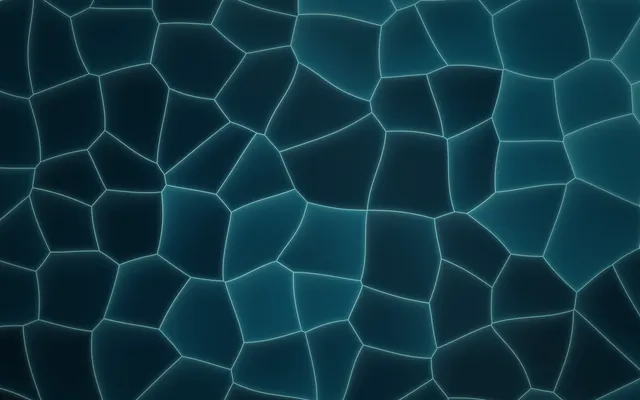
Cells
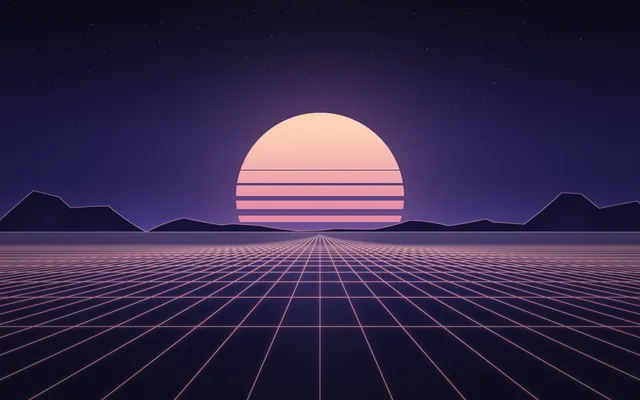
Horizon

Rain
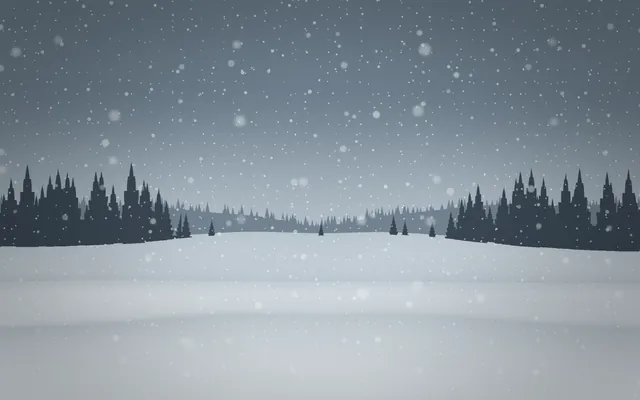
Snow
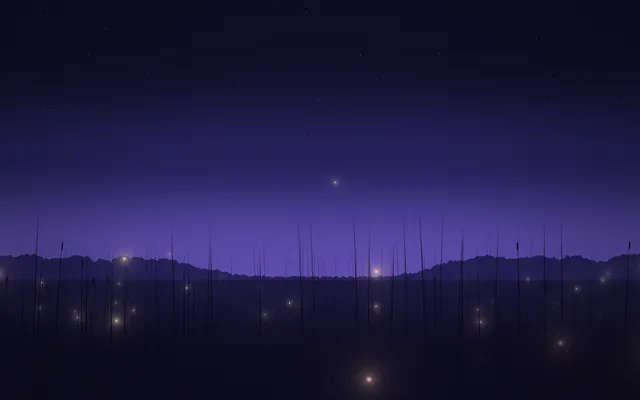
Fireflies
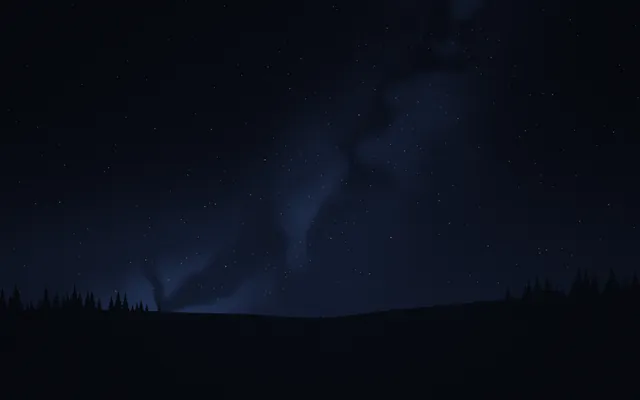
Night Sky

Sakura
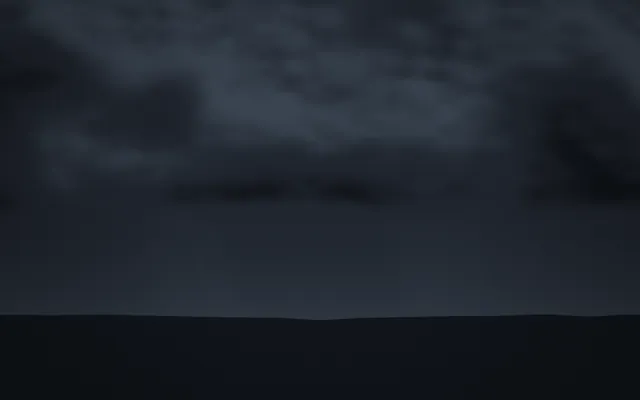
Storm
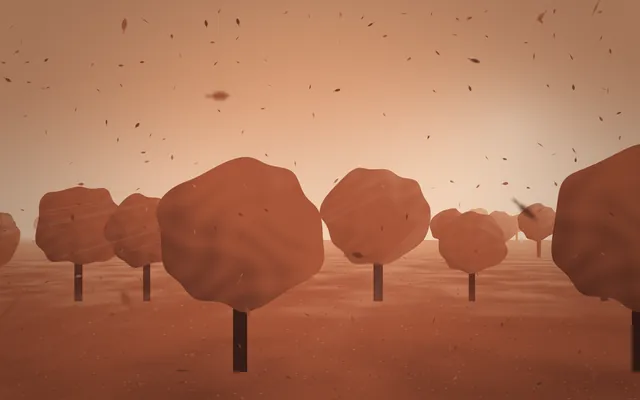
Autumn

Bokeh
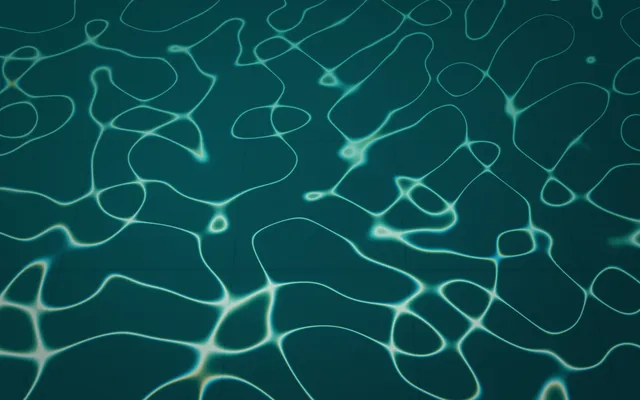
Caustics

Sunbeams
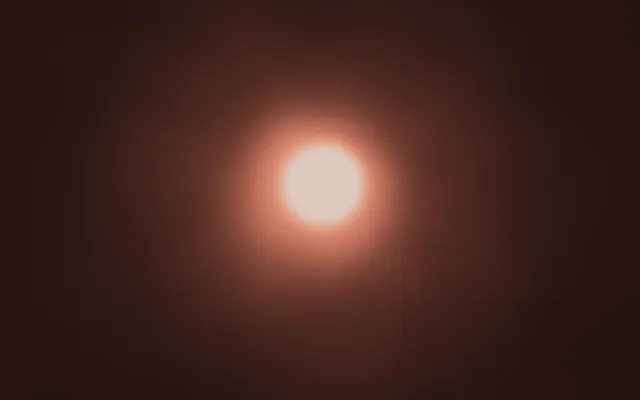
Glow

Campfire

Lanterns
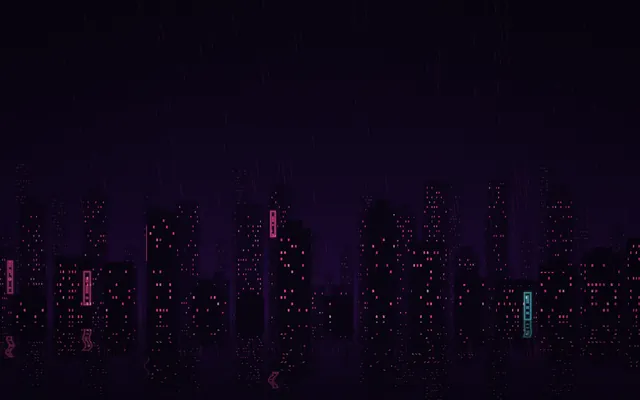
Neon City
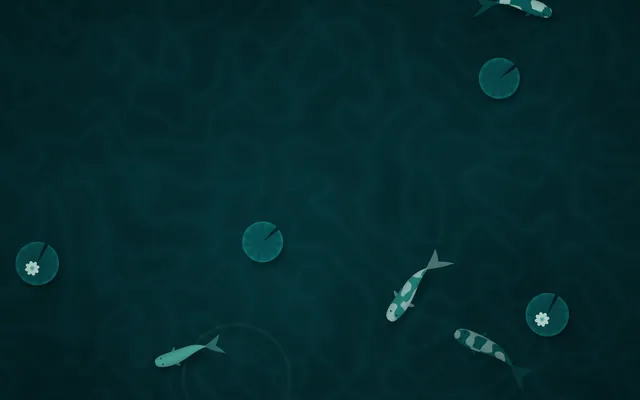
KoiFree

Jellyfish
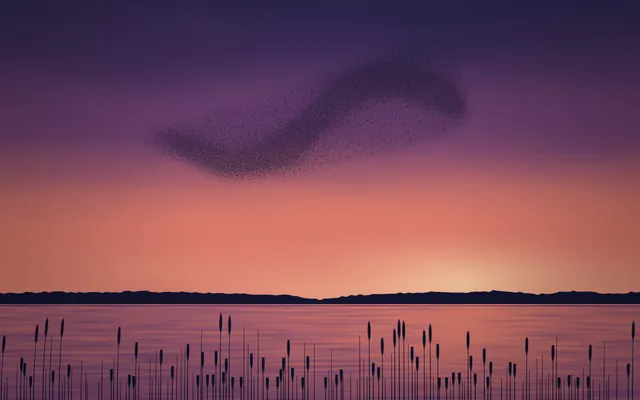
Murmuration
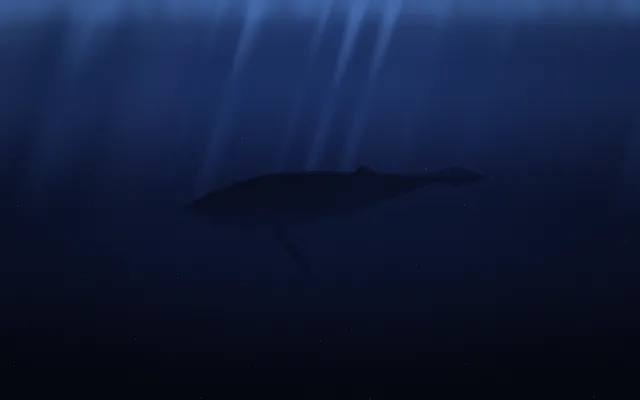
Whale
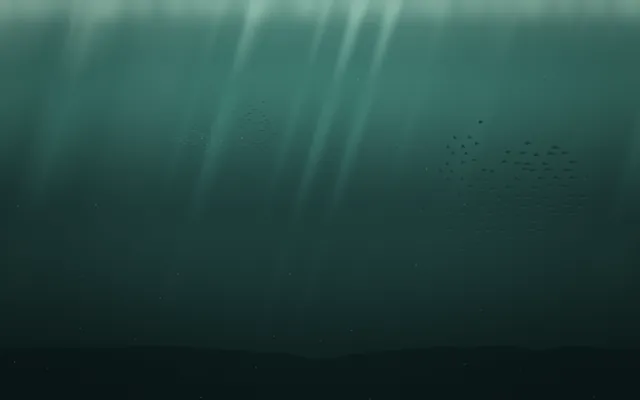
Shoal
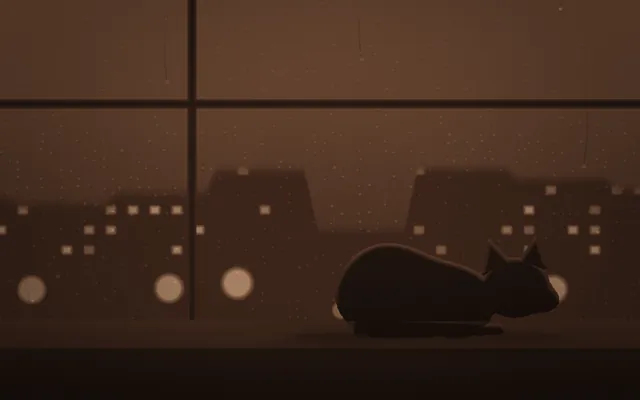
Cat
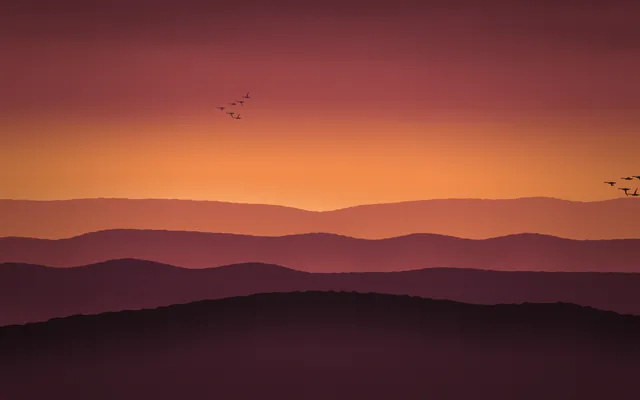
Migration
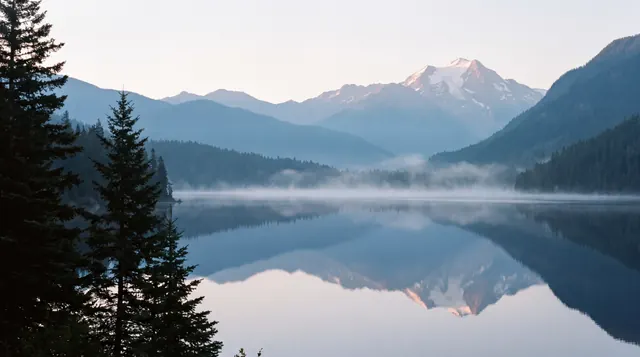
Alpine Lake
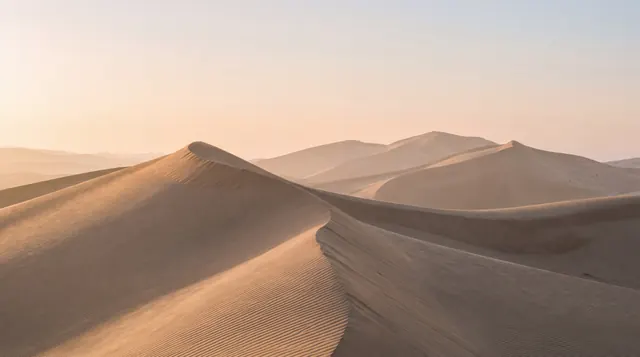
Dunes
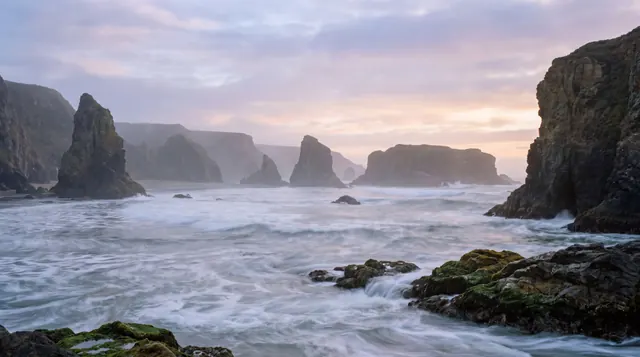
Sea Stacks
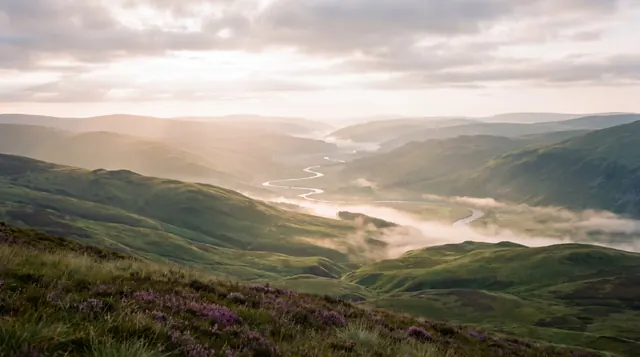
Highlands
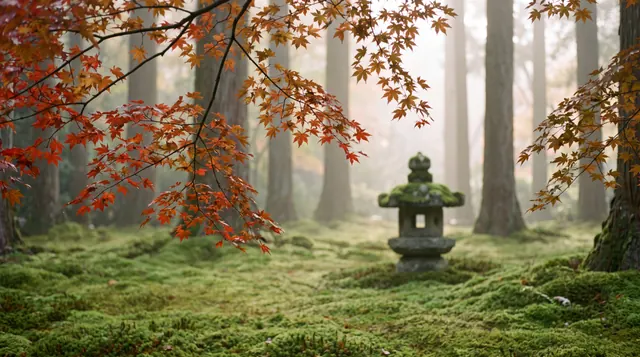
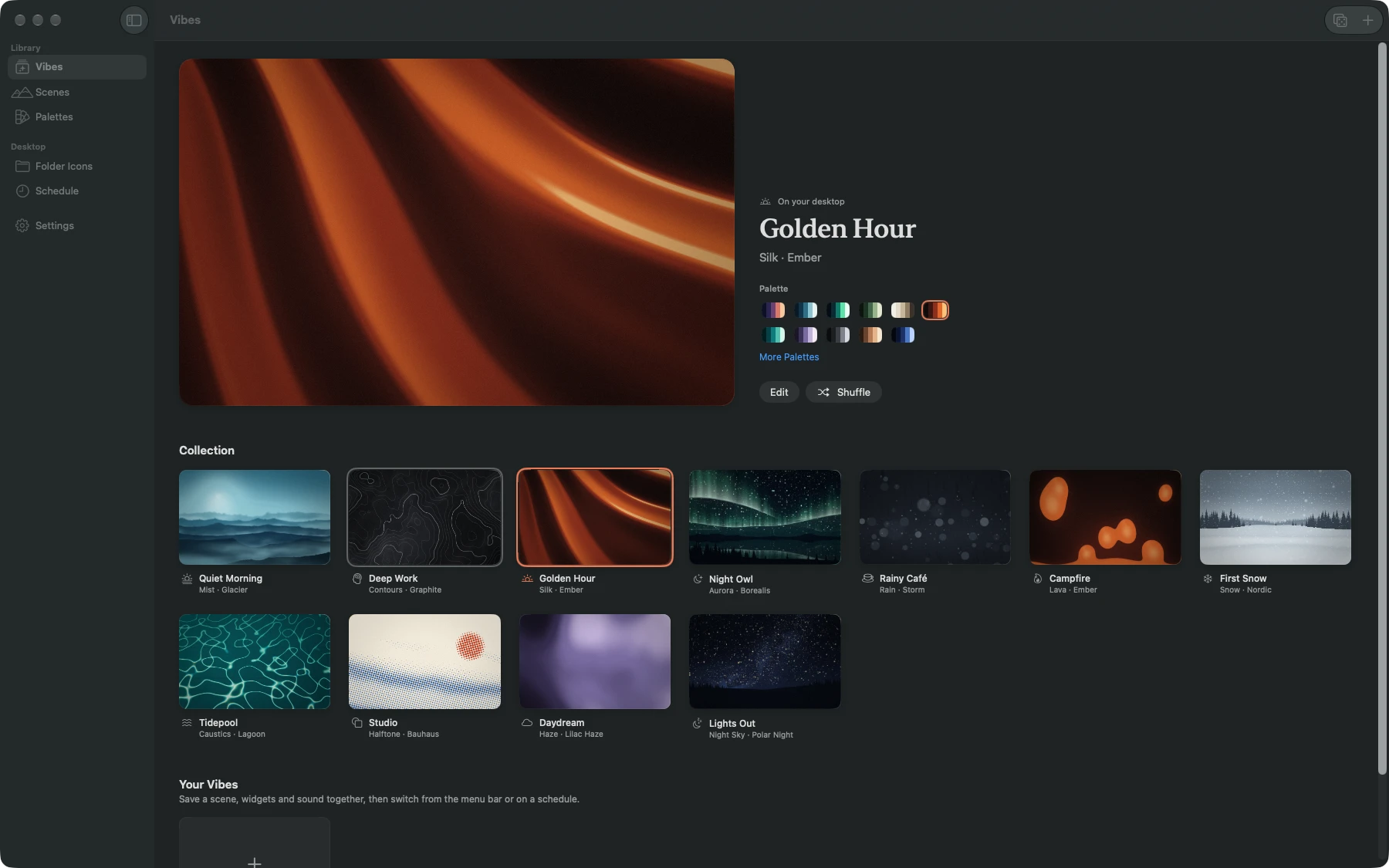
Moss Garden
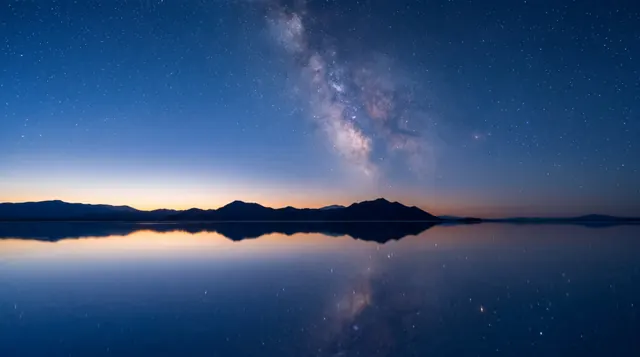
Salt Flat

Fox in Snow
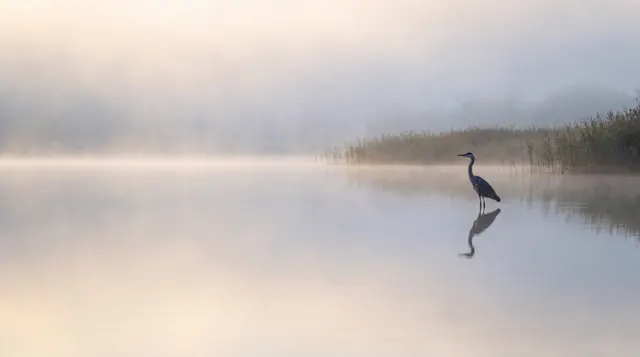
Heron
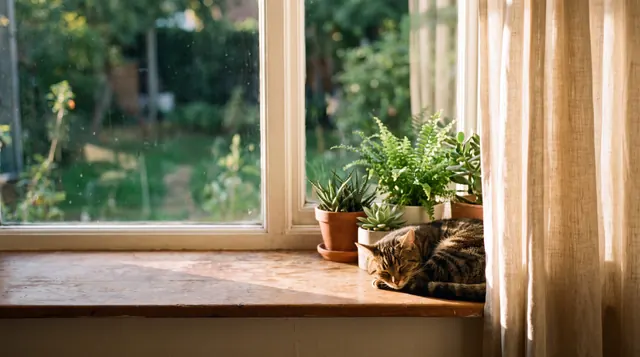
Windowsill
48 palettes, from Paper to Neon Tokyo.
Make your own, or pull one from a photo you love.
Living Stills
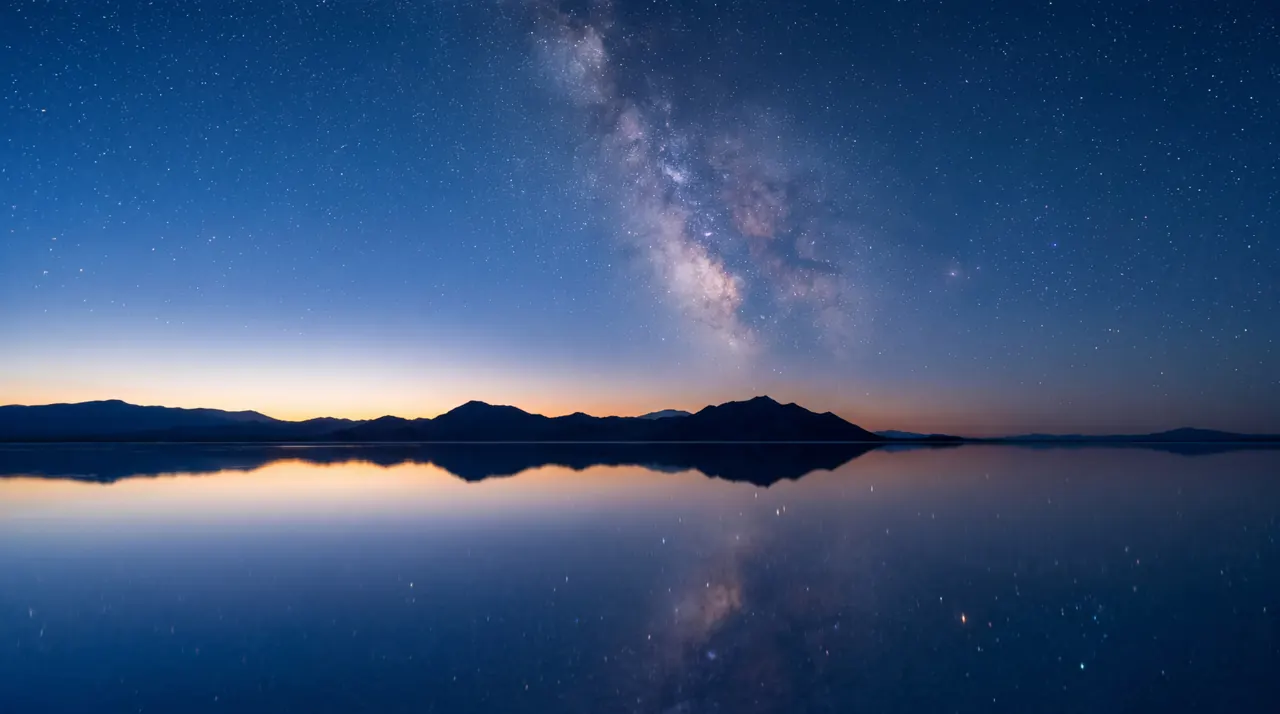
Nine still pictures, each with a depth map. Near things move a little more than far ones, so a still lake starts to feel like a window. Move your pointer over the picture.
The palette leaves the picture alone and tints your widgets to match it.
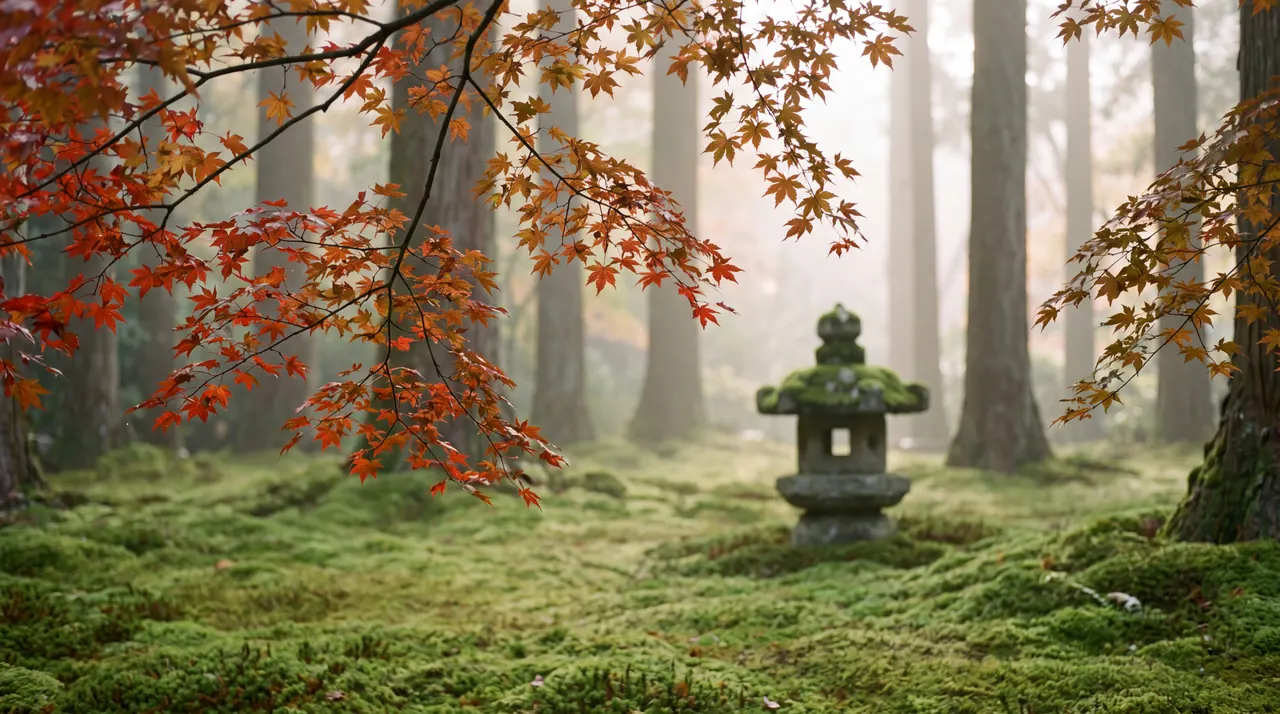
Alpine Lake
Mist lifting off a mirror-still lake at dawn.
Widgets
Widgets that match.
Clock, calendar, weather, moon, timer and nine more. Each takes its color from the scene behind it. Change the palette and they follow.
Wednesday, October 7
9:41
Kyoto
18°
Partly Cloudy
H:22° L:14°
Wednesday
7
Studio session
10:00 – 11:30
October
Palette: Kyoto
- widgets
- 14widgets
- materials
- 4materials
- typefaces
- 4typefaces
- sizes
- 3sizes
- shapes
- 4shapes
All fourteen.
Each comes in small, medium and large, on a rounded card, a circle, a pill or no background at all. Pick glass, tinted, solid or bare, and one of four typefaces for the whole vibe.
To place them, choose Arrange and drag. They snap to each other and to the edges, and can sit on any display.
ClockFree
Digital or analog, at any size
DateFree
Today, set large or small
DayFree
The hours of the day, filling in as they pass
Calendar
This month, or this week as a strip
Weather
Temperature, conditions, high and low
Focus Timer
25, 50 or 90 minutes, run from the menu bar
Countdown
Days and hours to a date you choose
Year
The year so far, by month or by day
Battery
Charge level and whether it's charging
World Clock
Another city's time, from Honolulu to Auckland
Moon
Tonight's phase and days to the full moon
Season
The season where you are, either hemisphere
Note
A few lines of your own
System
CPU and memory, updated every two seconds
Everyday
Out of your way.
MacScapes lives in the menu bar. One click shows what’s on your desktop, every vibe, and buttons to surprise you, arrange widgets, pause or mute.
From any app, without opening anything:
- Next vibe
- ⌃⌥⌘→
- Previous vibe
- ⌃⌥⌘←
- Surprise me
- ⌃⌥⌘R
- Pause the wallpaper
- ⌃⌥⌘P
Surprise me
A random scene in a random palette, with your widgets kept. Found one you like? Duplicate it and it’s yours.
Your own photos and videos
Use any photo as a background, held still, drifting slowly or gently breathing. With Pro, a video can loop silently instead.
Every display
Each display gets its own live wallpaper, and you can switch any of them off. With Pro, each can show a different vibe.
Tune any scene
Speed, intensity, scale, grain and vignette, plus a couple of controls of its own. Shuffle for a new variation.
Lock screen to match
Your desktop picture and lock screen get a still of the current scene. Turn it off and your old wallpaper comes back.
No account, no tracking
No ads and no analytics. Scenes are drawn on your Mac; only the weather widget and place names ever ask the internet.
Folder icons
Folders in the same light.
Seventy patterns in fifteen styles, in any palette, or a folder cut from any of the 42 scenes. Press a symbol into the front if it helps you find things, or use a picture of your own.
Drop folders onto the window to change them. MacScapes keeps a list, so putting the original back is one click.
Stripes
Sakura
Dots
Bauhaus
Contours
Sandstone
Waves
Glacier
With a symbol
Moss
From the scene
Moss Garden
Ambient sound
Sound, if you want it.
Eight recorded loops and two kinds of noise, quiet enough to sit under your music rather than over it. Each vibe remembers its own sound and volume, and it fades with the picture when the vibe changes.
Press play to listen. Headphones help.
Rain
Steady rain, close by
Ocean
Slow surf on a long beach
Fire
A small fire, settling
Night
Crickets and a warm dark
Forest
Leaves, air and far-off birds
Café
Cups and a low murmur
Wind
Moving air over open ground
Stream
Water over stones
Brown Noise
Deep and even, for focus
Pink Noise
Softer than white noise, like steady rain
Energy
Light on battery.
A wallpaper runs all day, so MacScapes is built to do as little as it can. When nobody can see the desktop, it doesn’t draw it.
Working
Drawing, slowly
Covered
Paused
Unplugged
Fewer frames
Asleep
Stopped
Its own thread
Scenes render on the GPU, on a thread of their own, away from the apps you’re working in.
Pauses when hidden
A full-screen app, a covered desktop, a sleeping display: drawing stops until you’re back.
Adapts on battery
Unplugged or in Low Power Mode, it drops to 30 fps at half resolution. With Pro, a battery vibe you choose takes over until you plug in.
You set the pace
30 fps by default, or 60 and 120 with Pro. Quality runs from Efficient to Full, so you decide how much to spend.
Pricing
Free to start.
The free version isn’t a trial and doesn’t expire. Pro opens every scene, palette, widget and sound.
MacScapes
Free
$0
- 7 scenes and 11 palettes
- Your own photos as backgrounds, with gentle motion
- Clock, Date and Day widgets, in every size, shape and style
- 6 of the built-in vibes, plus 2 of your own
- 2 schedule rules, by the clock or the sun
- 8 folder icon patterns, with symbols
- Menu bar, keyboard shortcuts and Surprise Me
- Desktop picture and lock screen to match
- 30 frames per second
The free scenes
- Mist
- Aurora
 Haze
Haze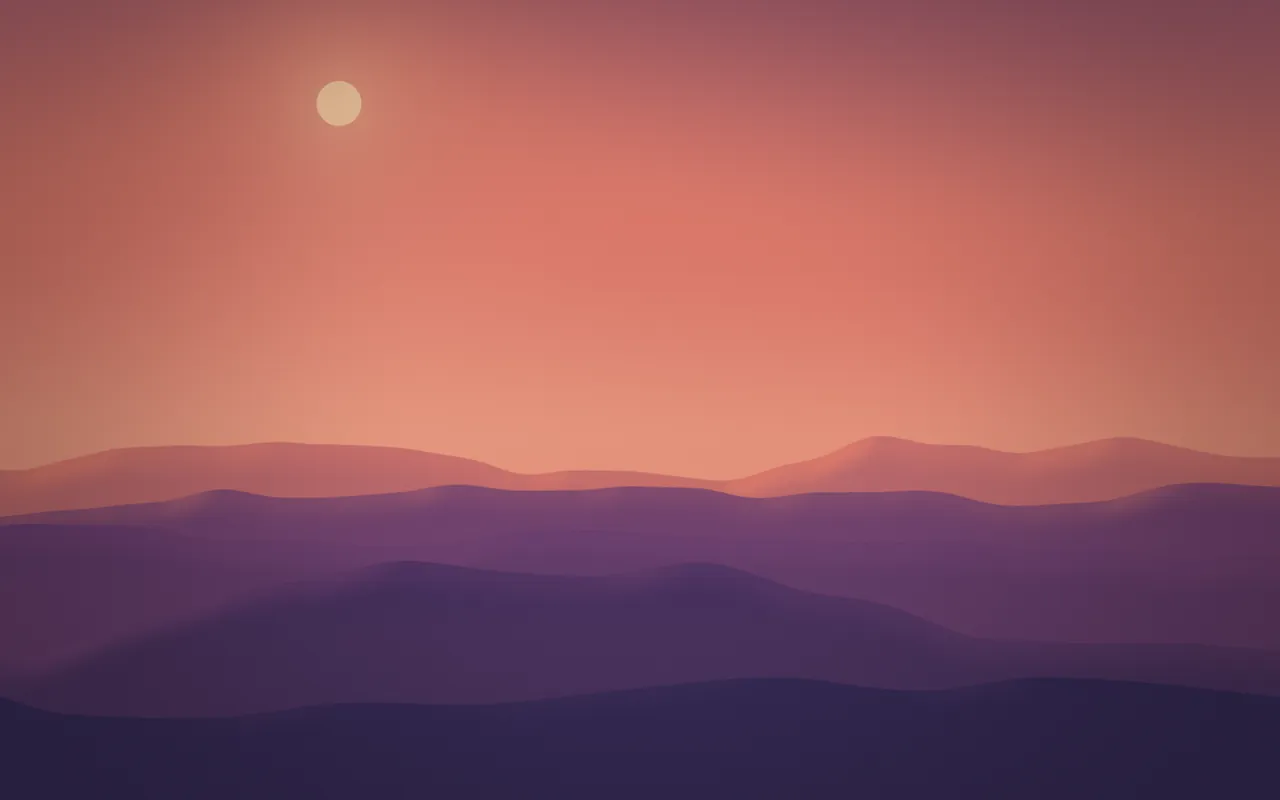 Daybreak
 Silk
Silk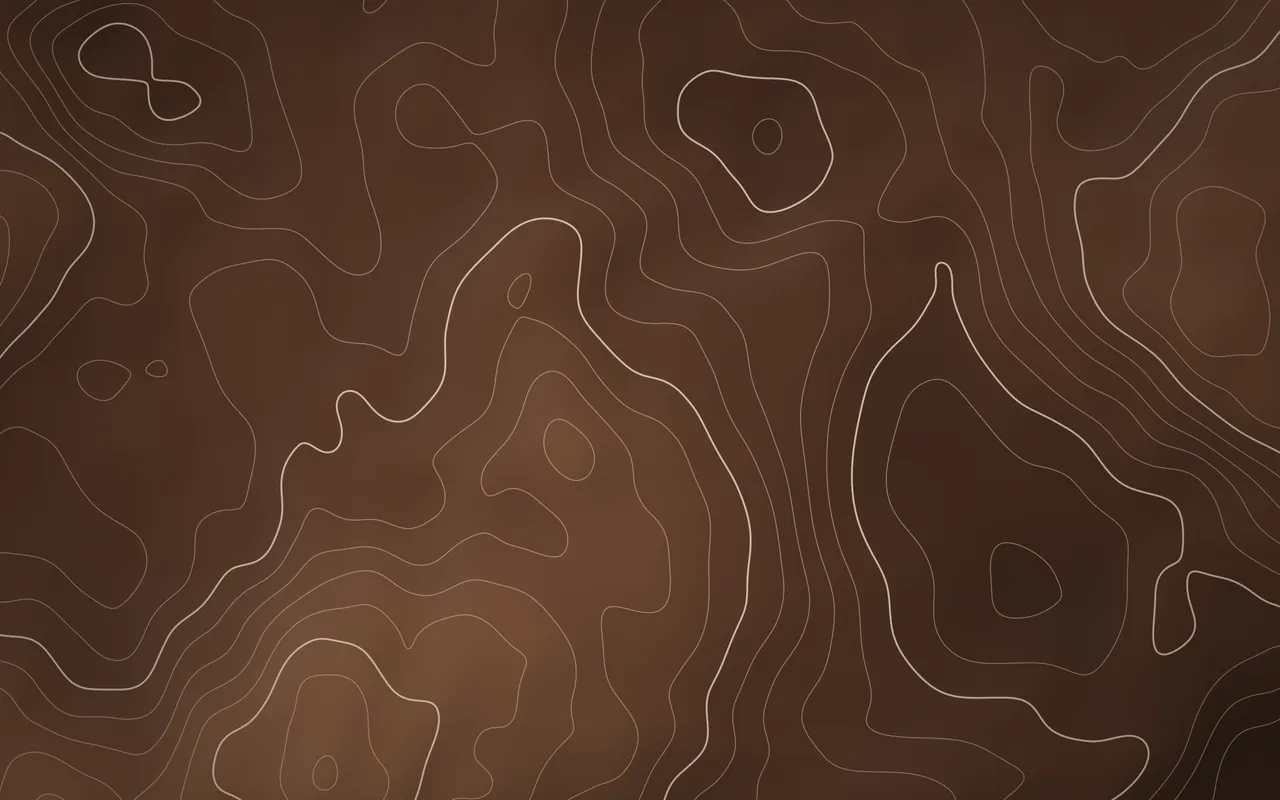 Contours
- Koi
MacScapes Pro
Everything, on every display
- Monthly
- $1.99 a month
- Yearly
- $12.99 a yearStarts with a 1-week free trial
- Lifetime
- $19.99 oncePay once, keep it
Everything in Free, and:
- All 42 scenes and the 9 Living Stills
- All 48 palettes, the palette creator and palette from photo
- Video backgrounds
- All 14 widgets
- As many vibes as you like
- Unlimited schedule rules and a battery vibe
- Every folder icon, 42 cut from the scenes, or your own image
- Ten ambient sounds
- 60 and 120 fps, and a different vibe on each display
Upgrade from inside the app, whenever you’re ready.
Prices in US dollars; App Store prices vary by region. Subscriptions renew automatically until cancelled, and you can cancel at any time. The free trial applies to the yearly plan; cancel before it ends and you won’t be charged. Questions? support@macscapes.app
Questions
Something else? See Support.
What is MacScapes?
MacScapes is a live wallpaper app for Mac, made by Neon Frenchie. It draws 42 animated scenes live on your Mac's graphics chip, in any of 48 palettes, and pairs each one with desktop widgets, folder icons and ambient sound that match. Together they're saved as vibes, which can change on a schedule or at sunrise and sunset. It runs on macOS 14 or later, on Apple silicon and Intel. The free version has no time limit, and MacScapes Pro is $1.99 a month, $12.99 a year or $19.99 once.
How is it different from video wallpaper apps?
Video wallpaper apps like Backdrop and Wallper play recorded clips, which loop and keep the colors they were filmed in. MacScapes draws each scene as it plays, so it never repeats, any palette recolors it, and the app stays about 35 MB with every scene included. It also matches widgets, folder icons and sound to the wallpaper, which neither of those apps lists. If you want your own clips, Pro plays those too.
How much battery does it use?
As little as we can manage. Each scene is designed to a budget of about two milliseconds of GPU time per frame on Apple silicon, and drawing stops whenever the desktop is covered, the display sleeps or the screen is locked. On battery, MacScapes lowers the frame rate, or switches to a battery vibe you choose.
How does the free trial work?
The yearly plan starts with one week of Pro for free. Cancel before the week is up and you won't be charged; otherwise the year begins when the trial ends. The monthly and lifetime options don't include a trial, but the free version is always there to try things first.
What does MacScapes know about me?
Nothing it sends anywhere. There's no account, no analytics and no tracking, and every scene is drawn on your Mac. Location is optional and only used to work out sunrise and sunset; Apple's location service turns it into a place name. If you add the weather widget, it asks Open-Meteo for a forecast for your approximate area. This website doesn't use cookies or analytics either.
Does it work with more than one display?
Yes. Every display gets its own living wallpaper, and you can turn it off on any of them. Widgets can sit on whichever display you like, and with Pro each display can show a different vibe.
Can I use my own photos or videos?
Yes. Any photo can be a background, held still or moving slowly, and that's part of the free version. With Pro, a video can loop silently behind your windows instead. Videos use more energy than scenes, so the app says so when you pick one.
What happens to my folders if I change their icons?
Only the icon changes. MacScapes stores it in the folder, the way Finder does when you paste an icon, and keeps a list of every folder it changed. Reset one folder or all of them from that list to put the standard icon back. Icons you leave in place stay after MacScapes is gone.
Is the sound included?
Ambient sound is part of Pro. There are ten: rain, ocean, stream, forest, wind, night, fire, café, and brown and pink noise. In the free version you can listen to each one in the vibe editor before deciding.
What about Stage Manager, Spaces and full-screen apps?
MacScapes draws at desktop level, beneath your windows, so Stage Manager, Spaces and Mission Control behave as they always do. When a full-screen app hides the desktop, drawing pauses until you come back.
Should I get it from the Mac App Store or download it here?
Either. It's the same app with the same features. On the App Store, updates arrive through the App Store and Pro is tied to your Apple ID. The direct download is signed and notarized by Apple, and Pro is bought from us.
Which Macs does it run on?
Any Mac with macOS 14 Sonoma or later, Apple silicon or Intel.
Can I get a refund?
For App Store purchases, refunds are handled by Apple at reportaproblem.apple.com. If you bought directly from us, write to support@macscapes.app and we'll sort it out.
Set the vibe.
Free to download. Pro whenever you want the rest.
Free · macOS 14 or later · Apple silicon & Intel