Scenes
Animated wallpapers for Mac
42 scenes drawn live on your Mac, 9 Living Stills, and 48 palettes to recolor any of them. 7 scenes and 11 palettes are free.
Atmosphere
Skies, fog and deep space
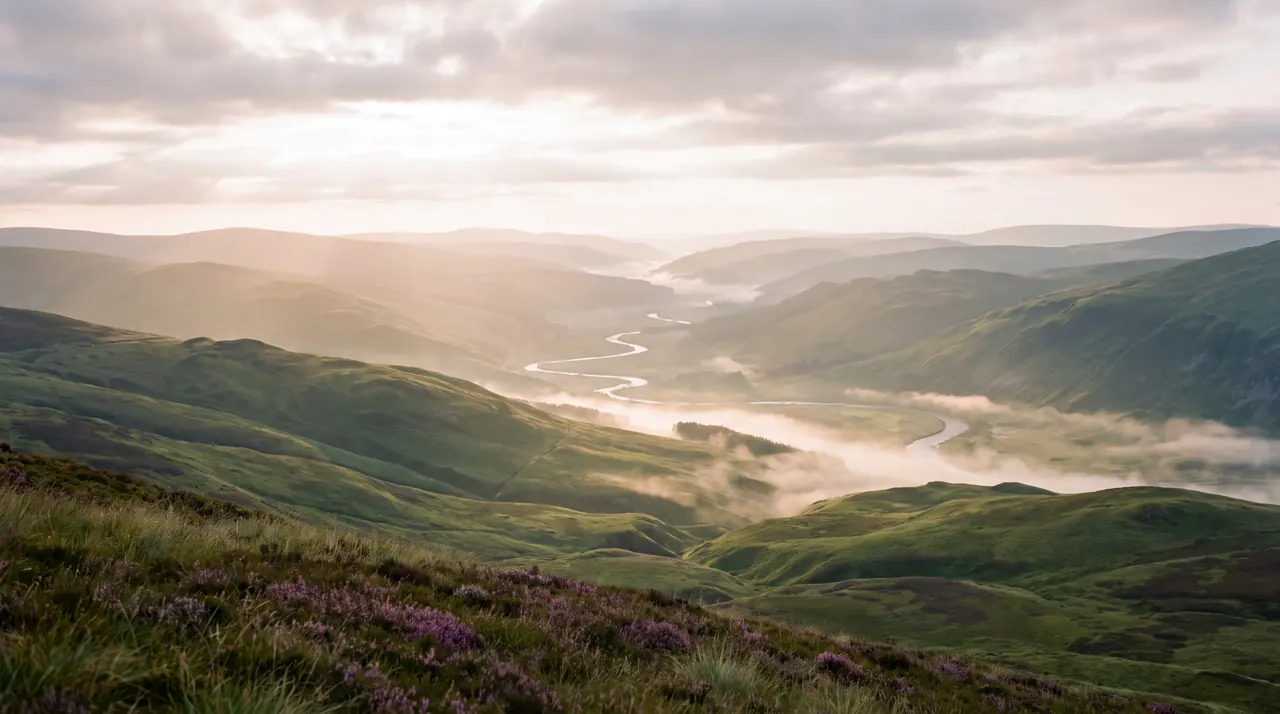
Seven skies, from fog settling between ridges to a black hole bending the light around it. Four are free, including Daybreak, a sky that follows the real time of day.
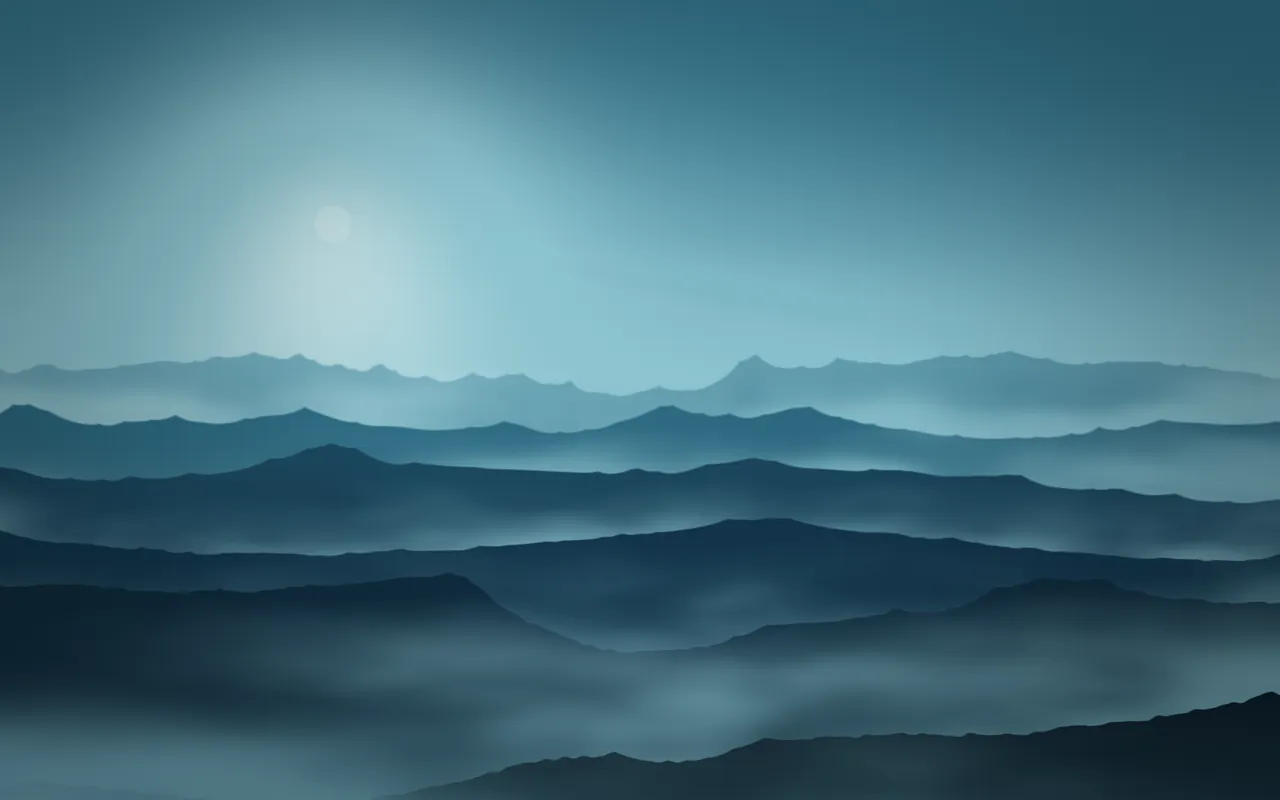
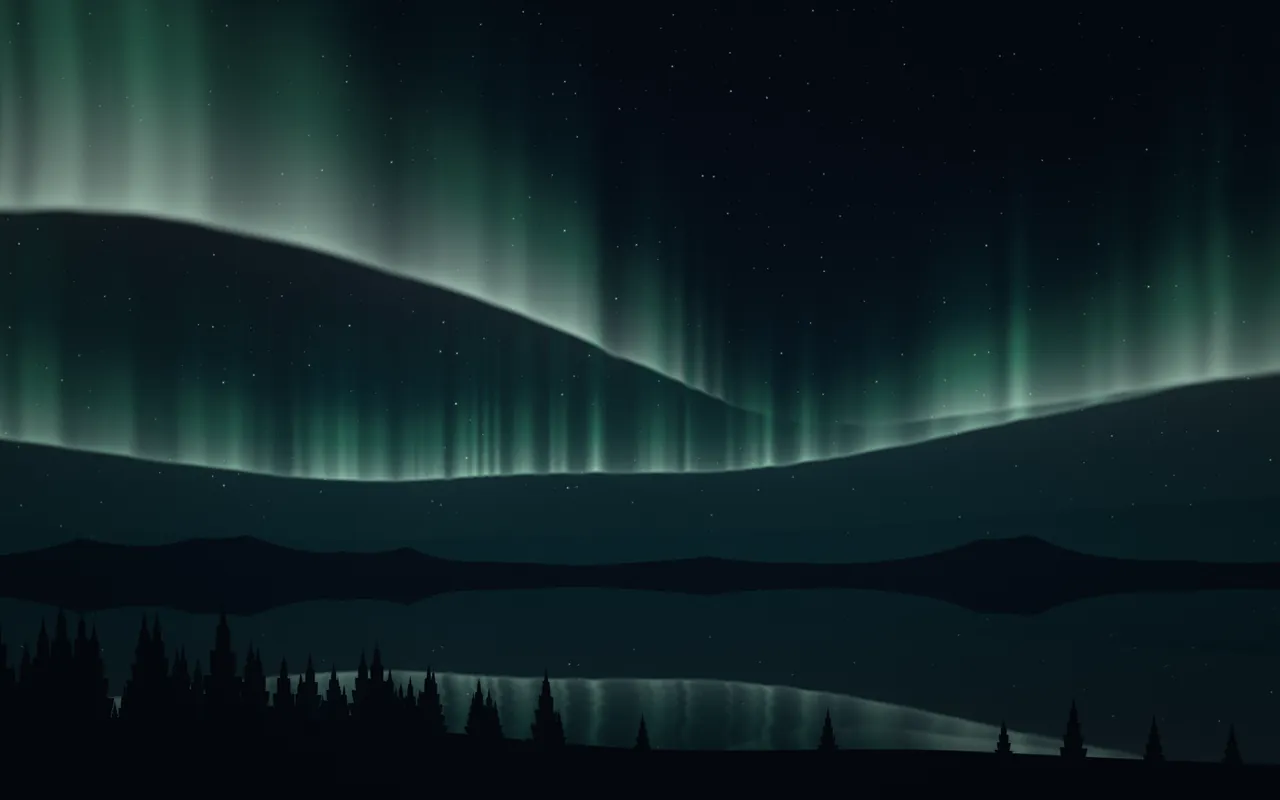
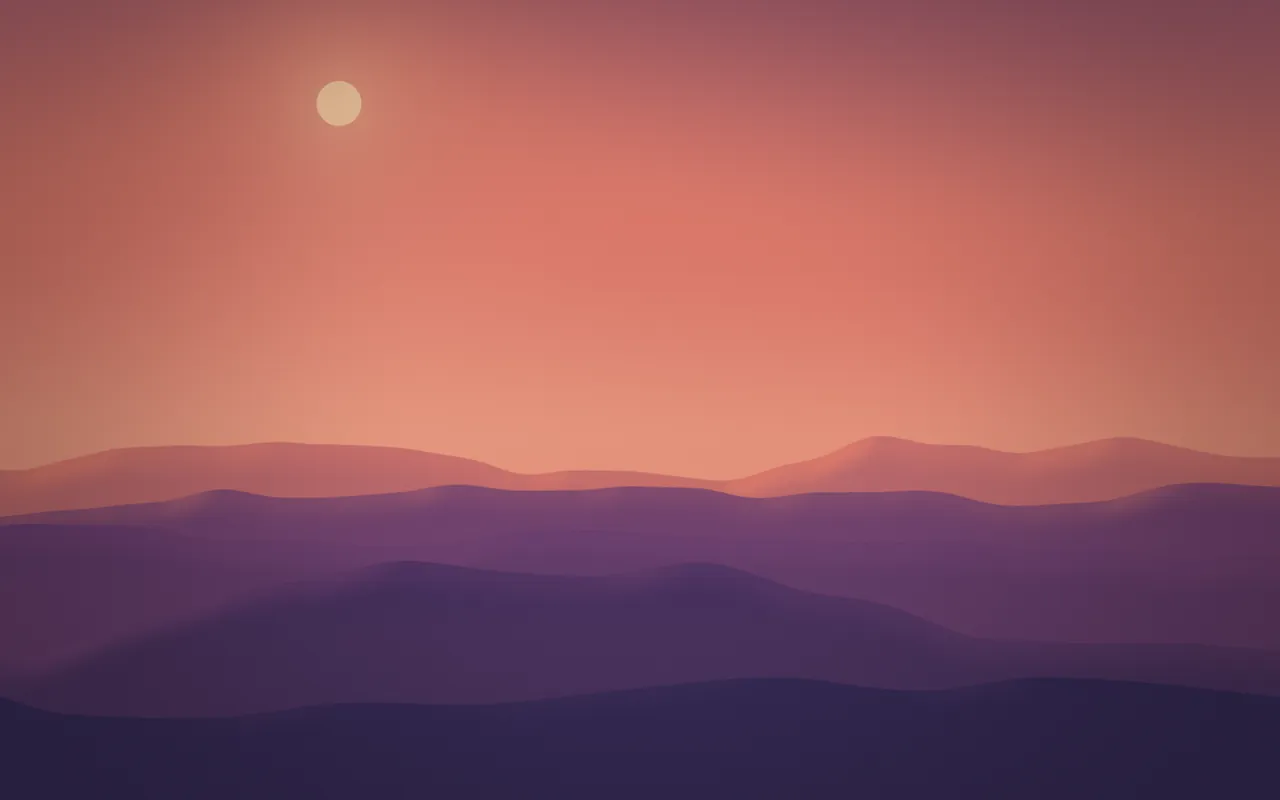
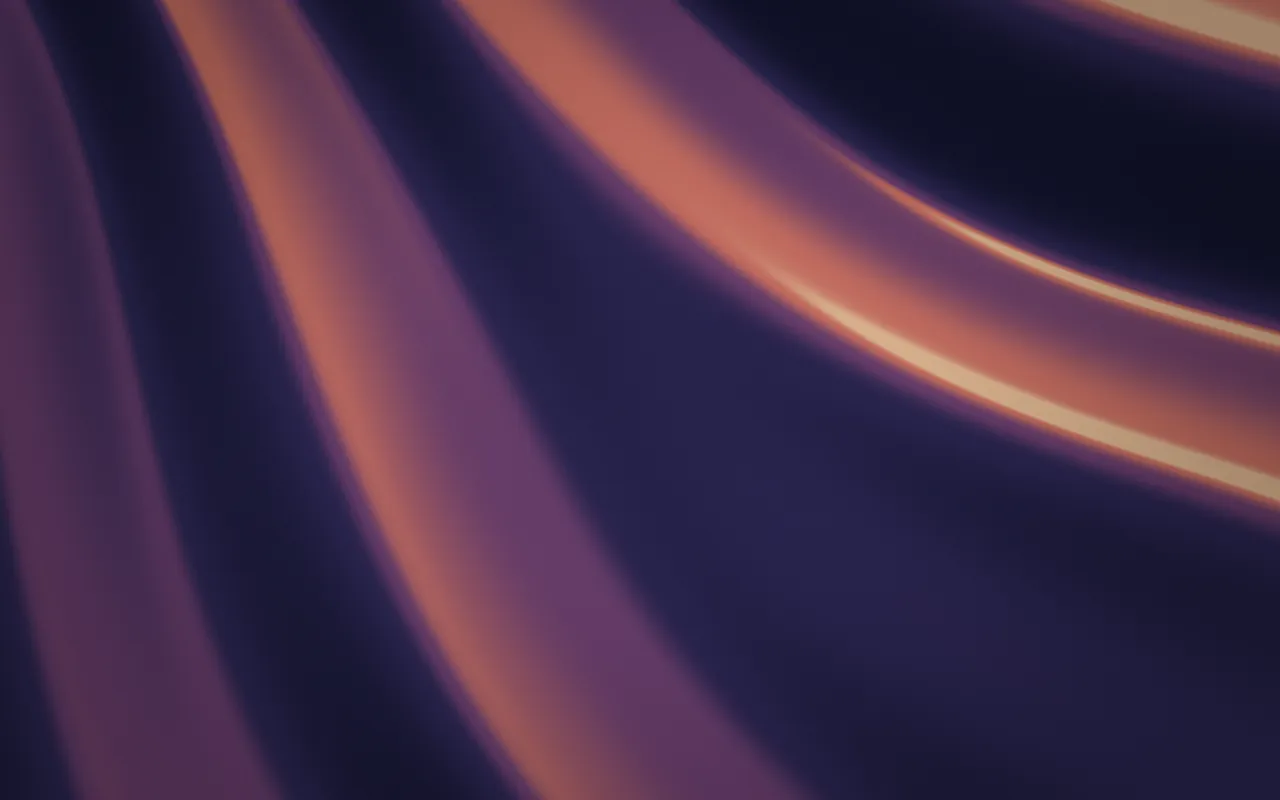
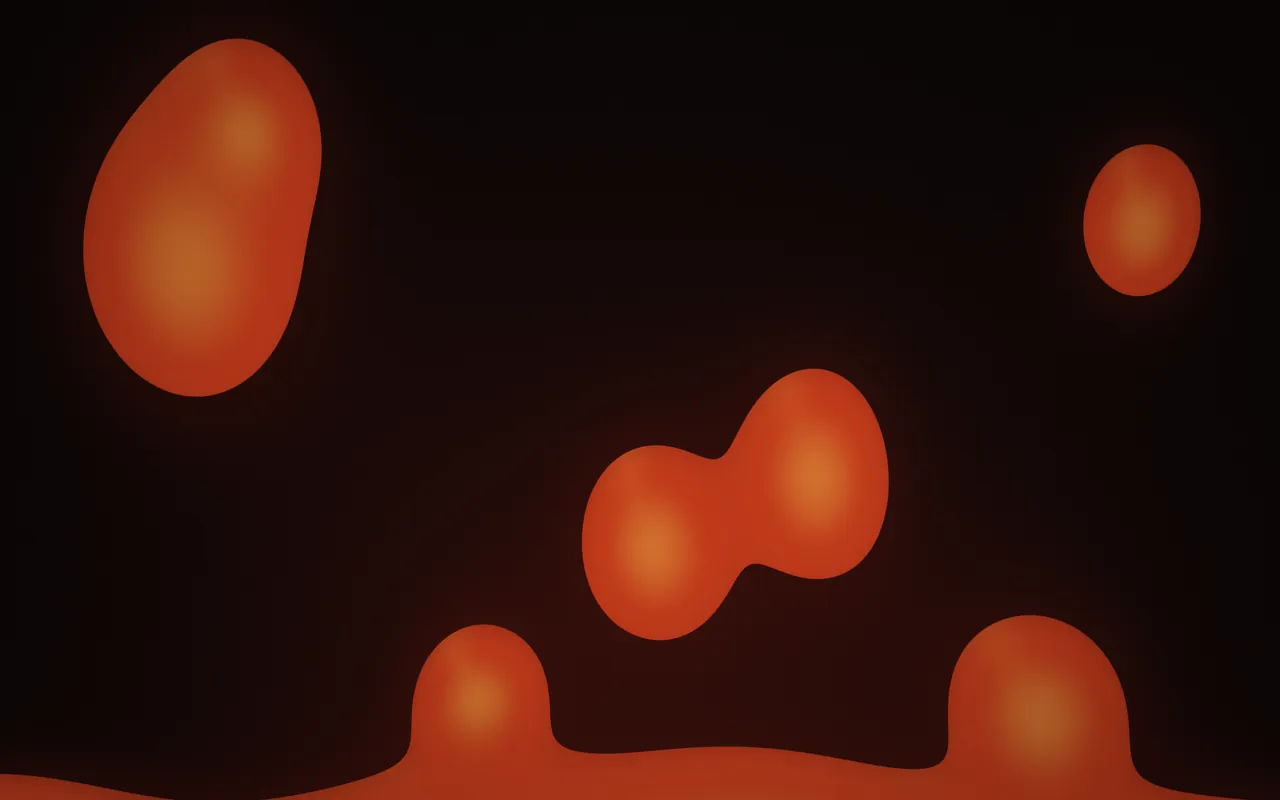
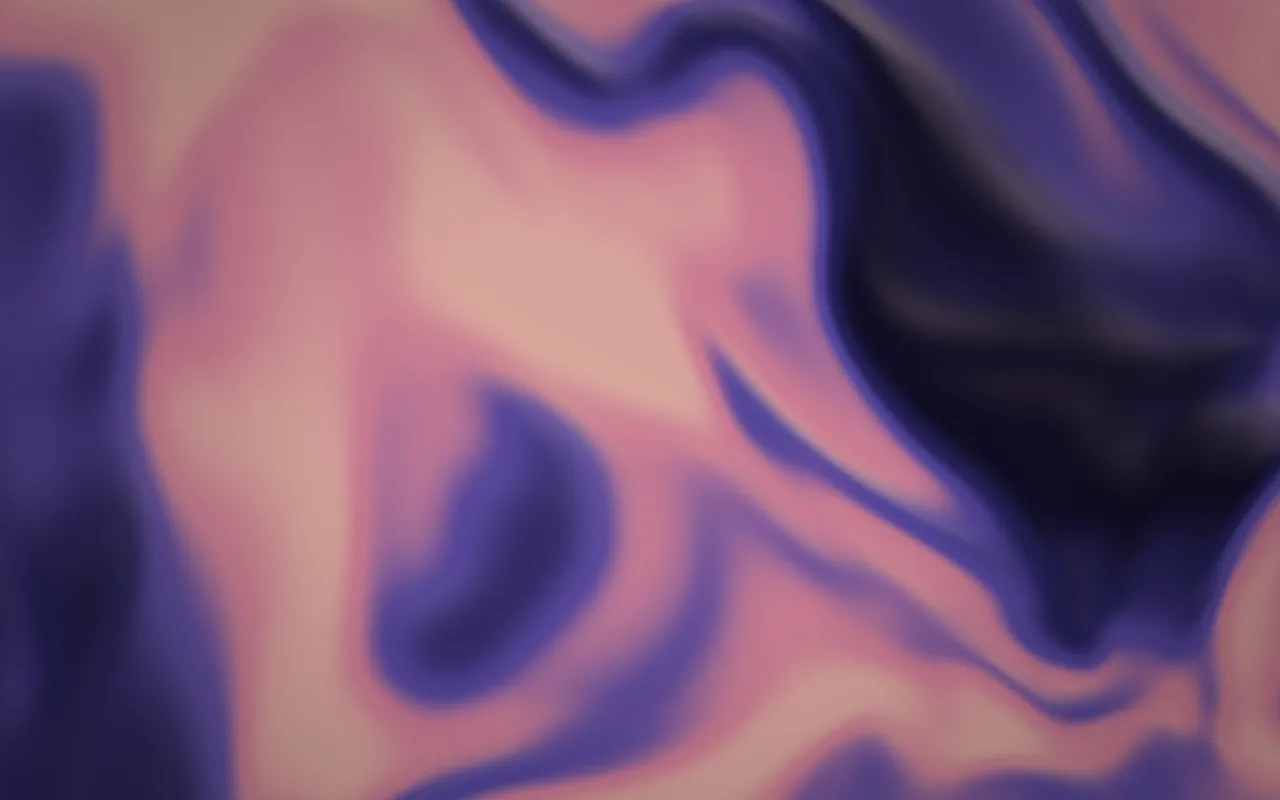
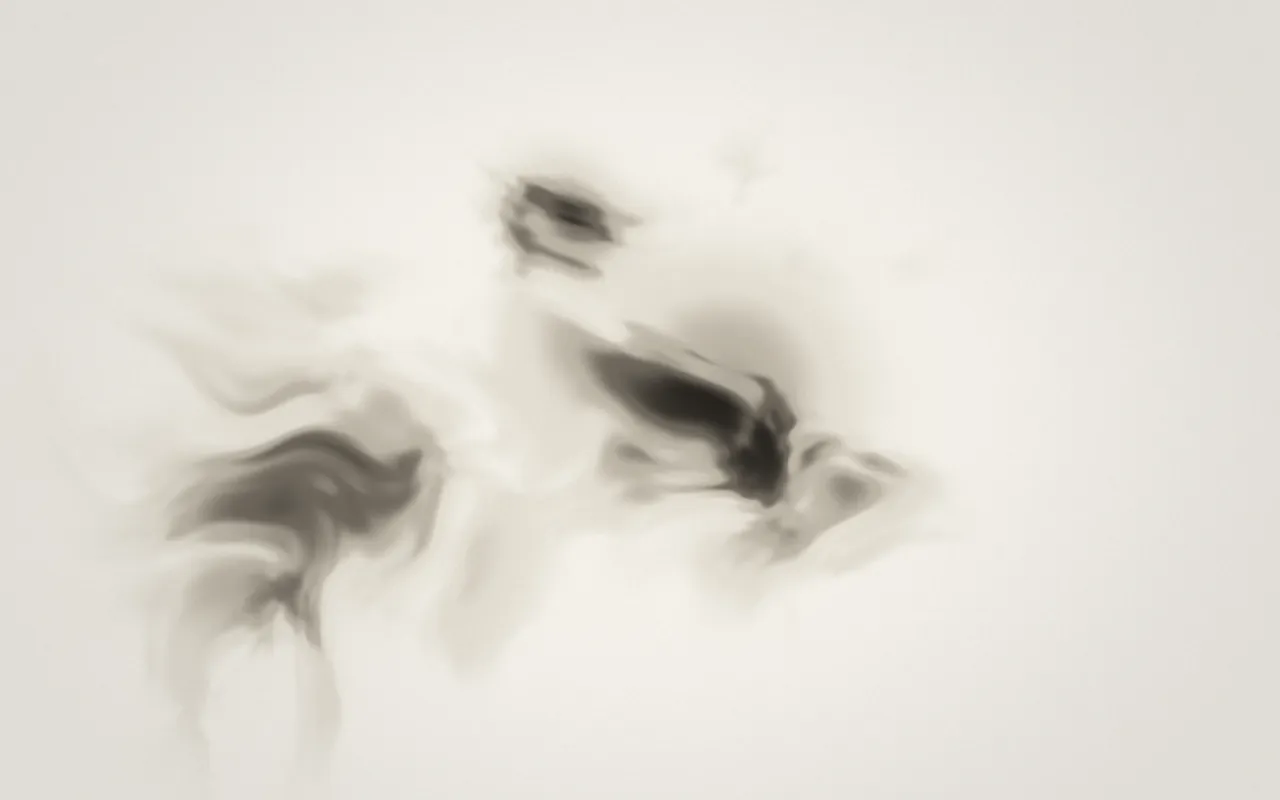
Seven abstract scenes that keep slowly moving: folds of satin, pigment blooming through water, combed marble and a lava lamp. Quiet backgrounds for a desk full of windows.
Geometry
Lines, dots and contours
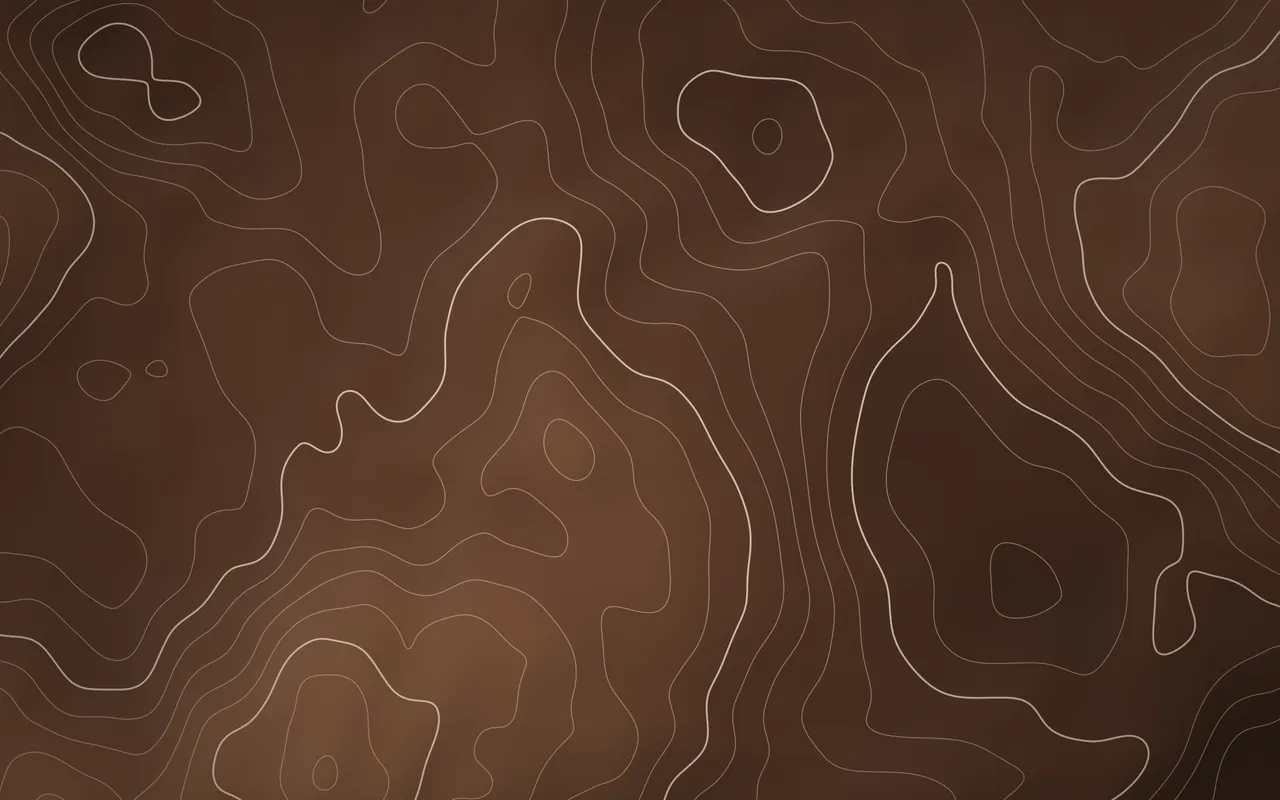
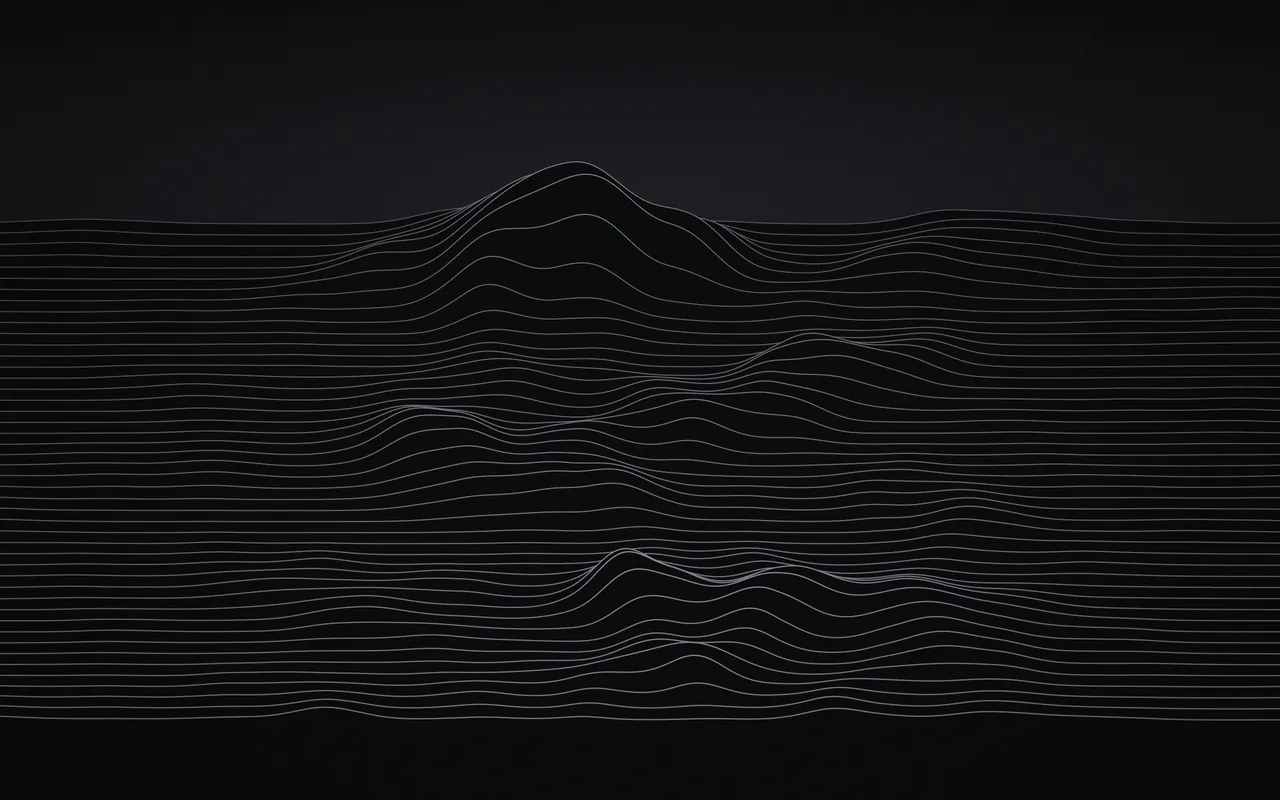
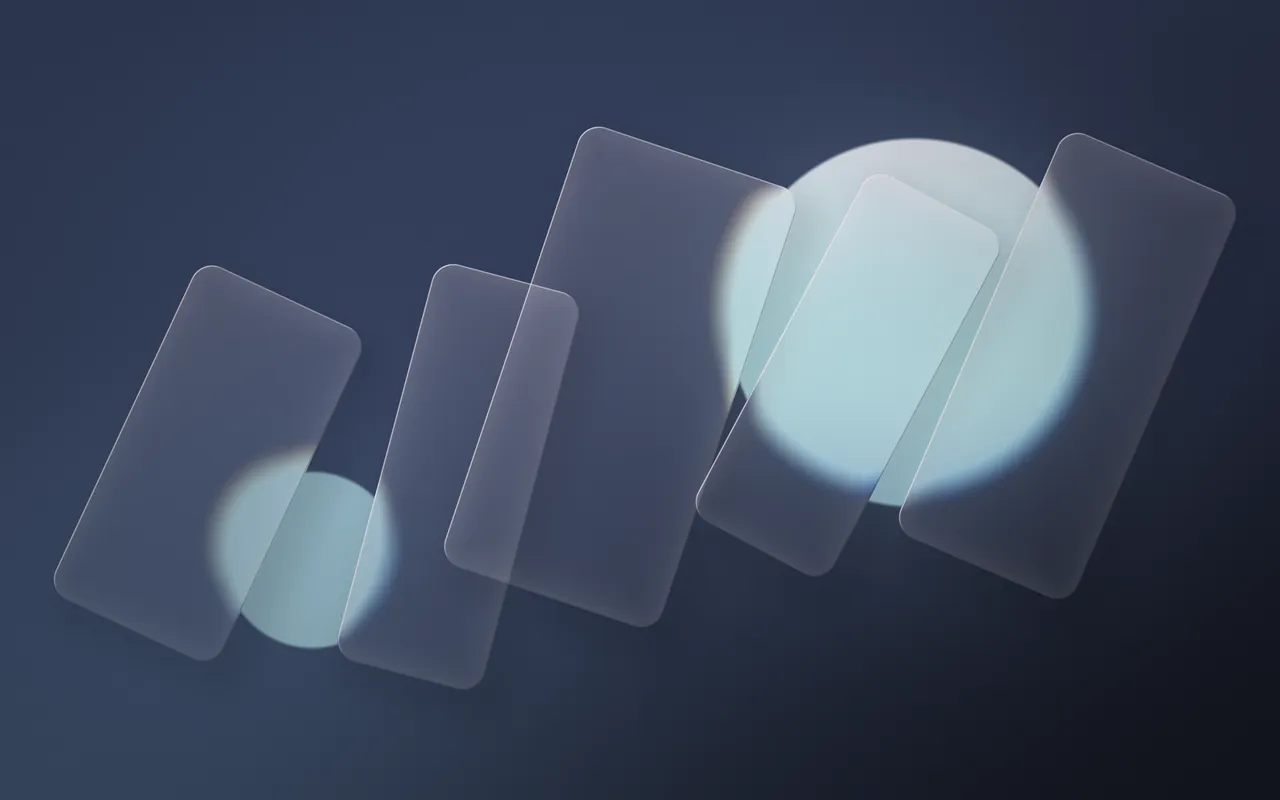
Seven scenes built from lines and shapes: a topographic map, signal lines, halftone dots, frosted glass, rings on a pond, soft cells and a striped sun over a grid.

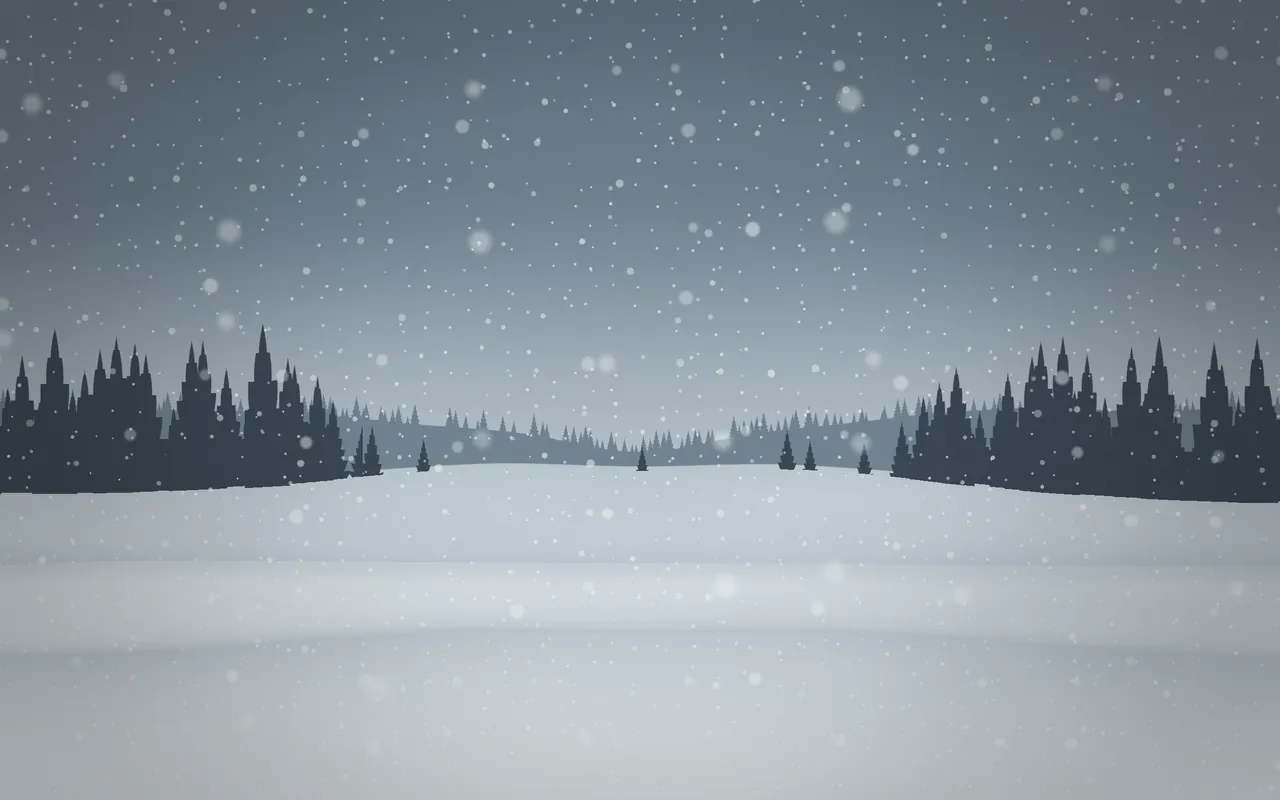
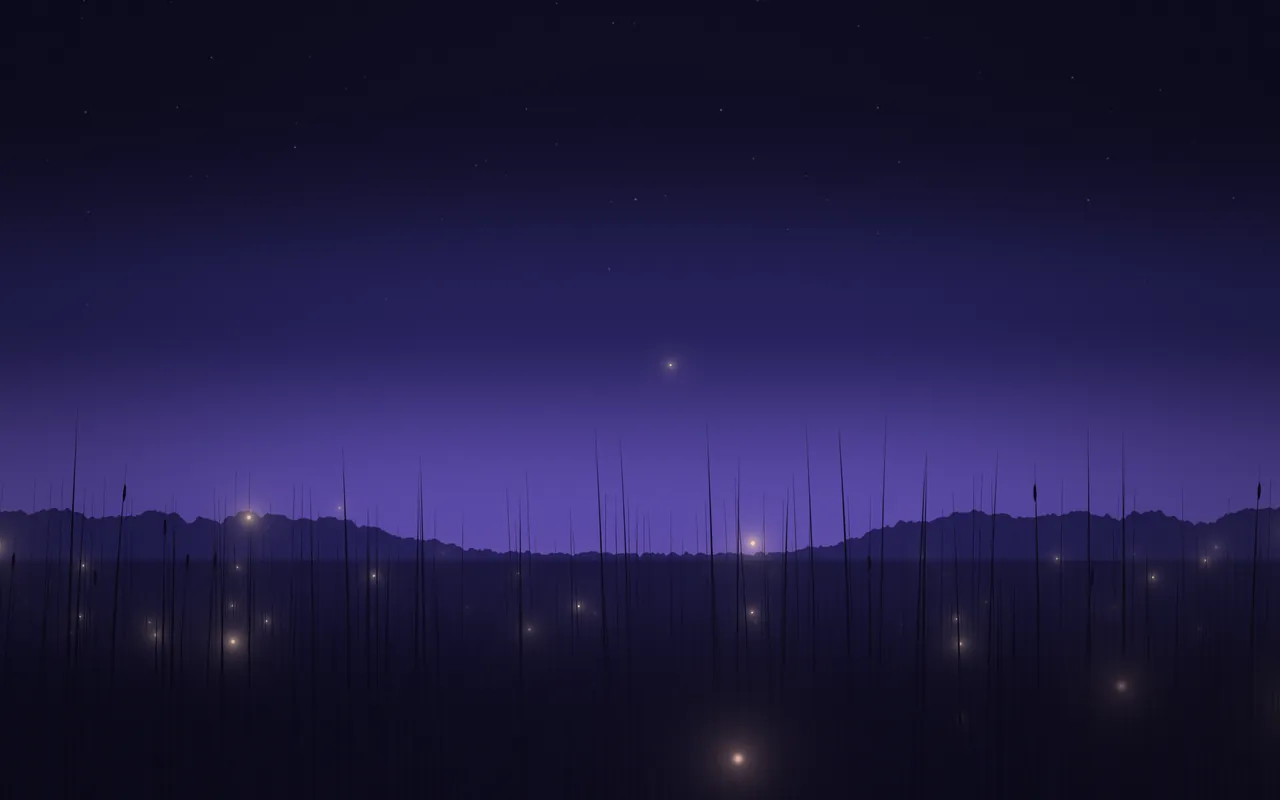
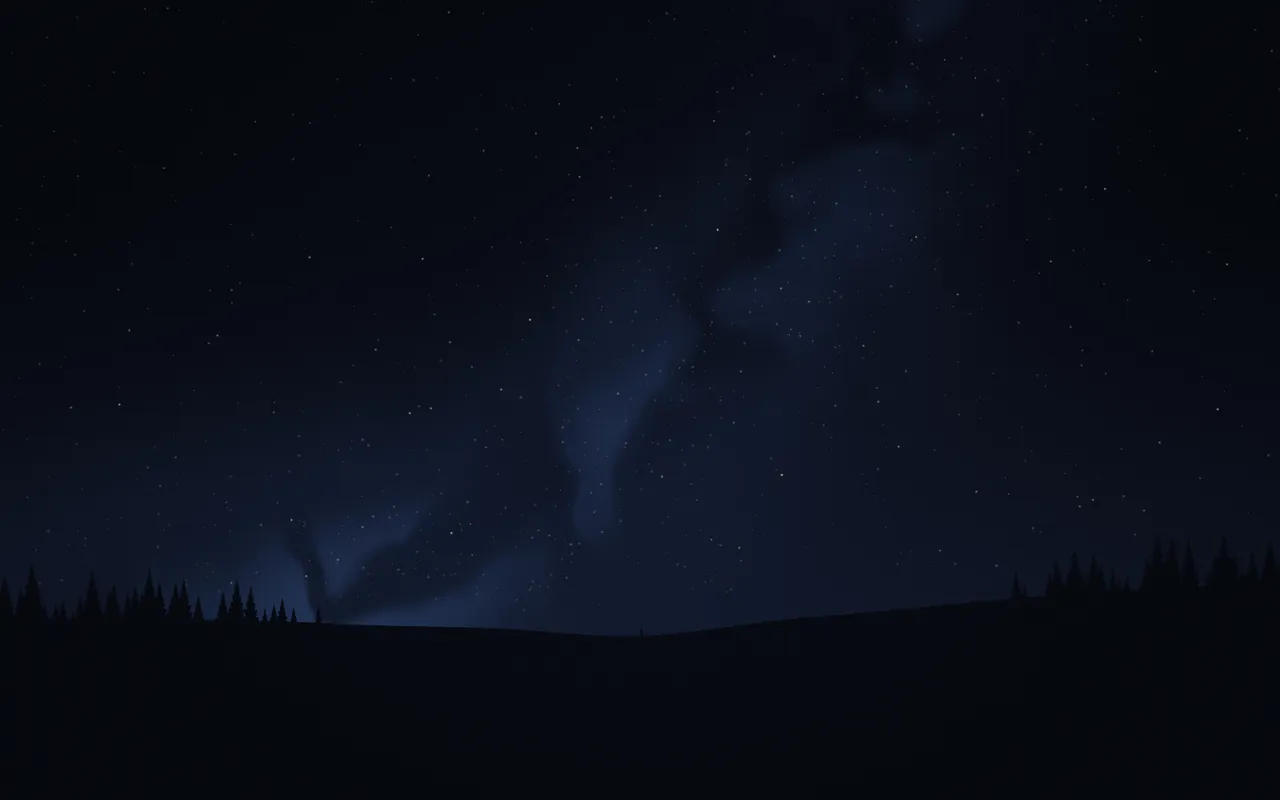
Seven kinds of weather and night sky: rain on a window, snow over a forest, a distant storm, fireflies, falling stars, cherry petals and autumn leaves. Pair one with an ambient sound to match.
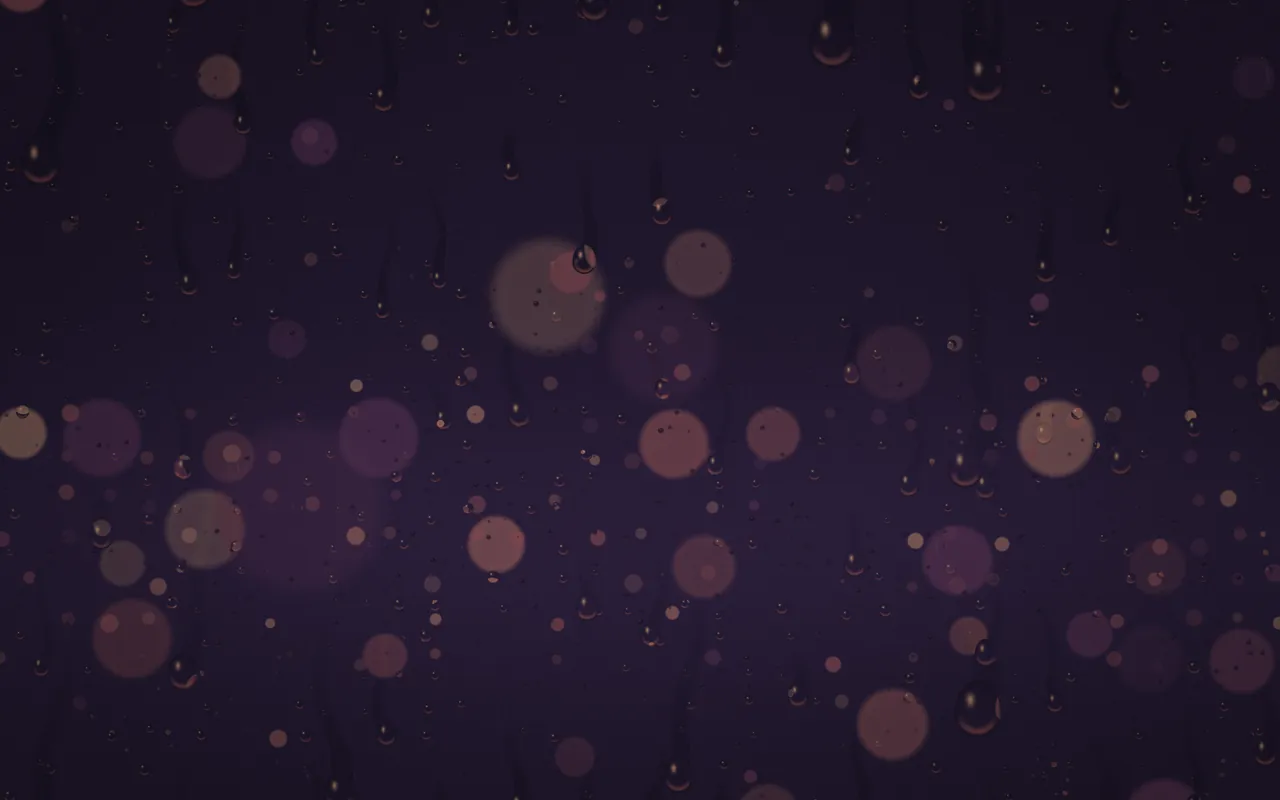
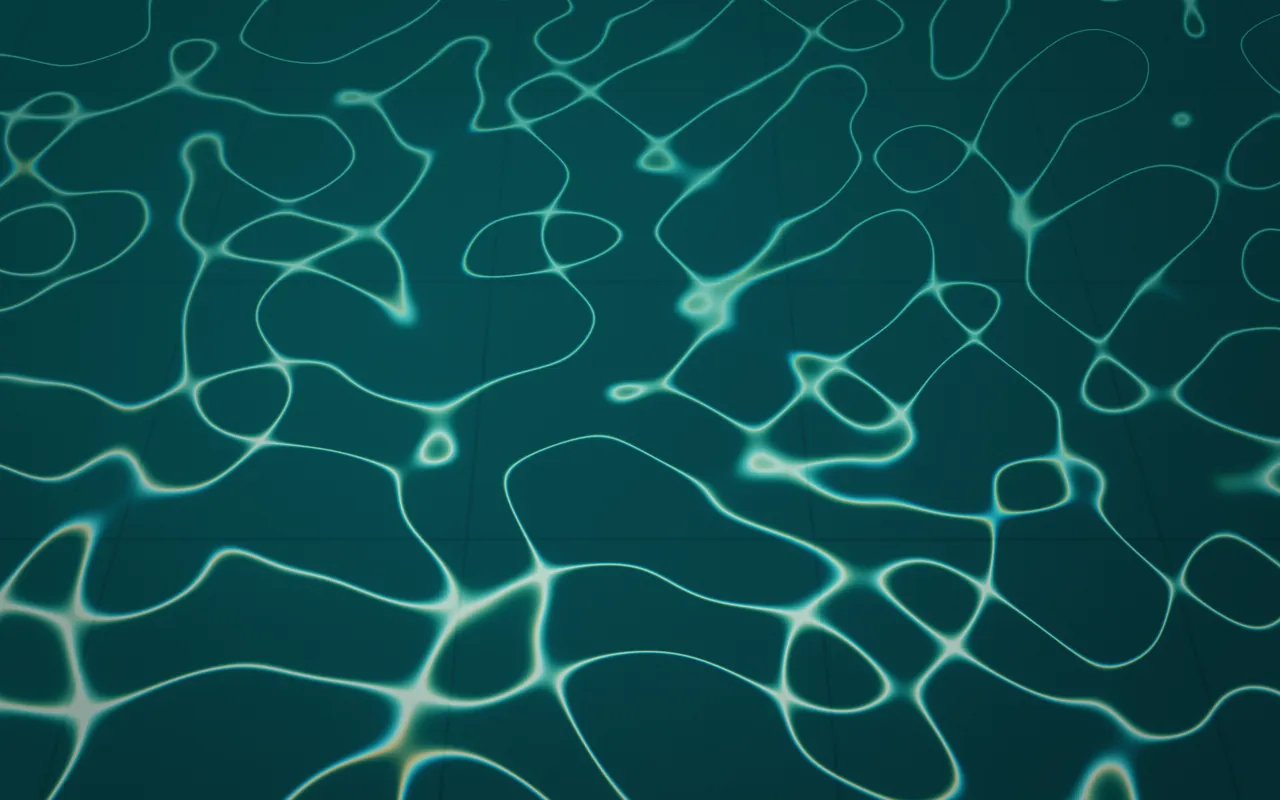
Seven scenes about light: out-of-focus bokeh, sunlight on a pool floor, sunbeams through leaves, a single warm glow, a campfire, sky lanterns and a neon city after rain.

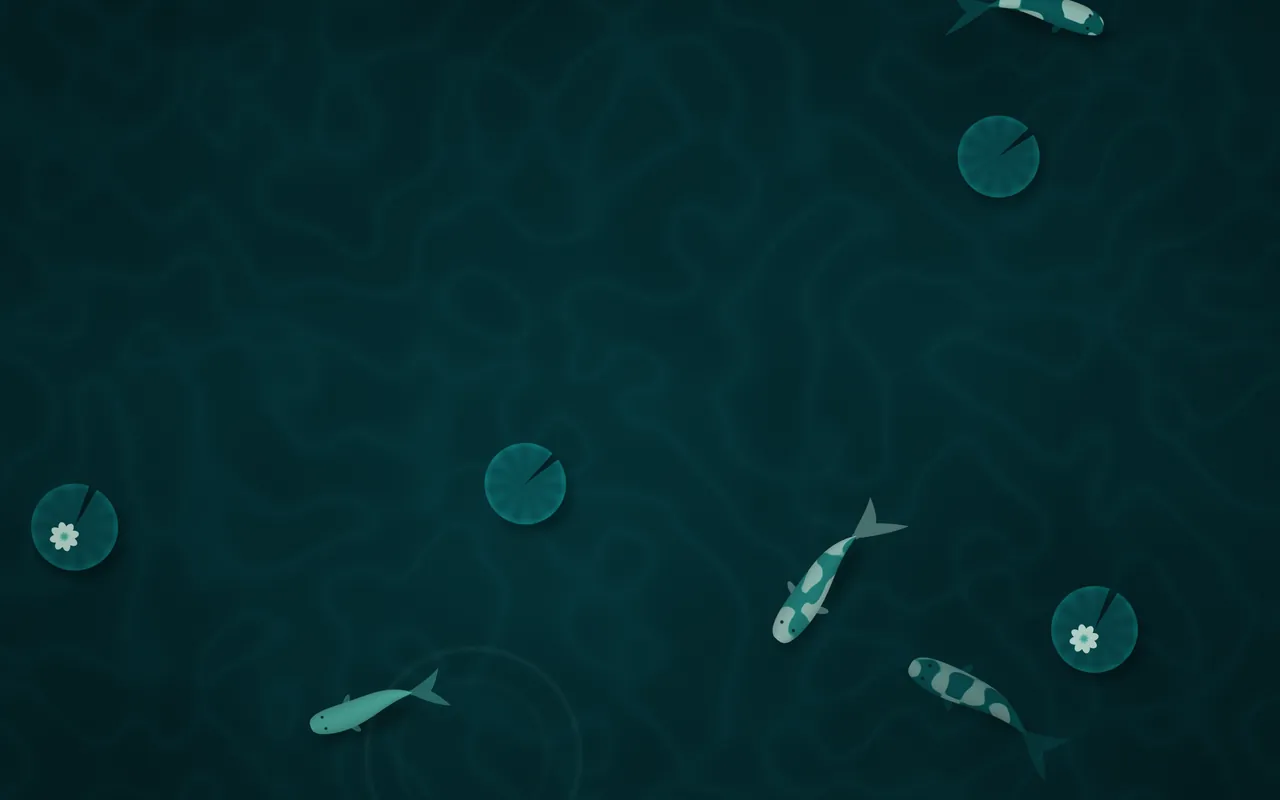
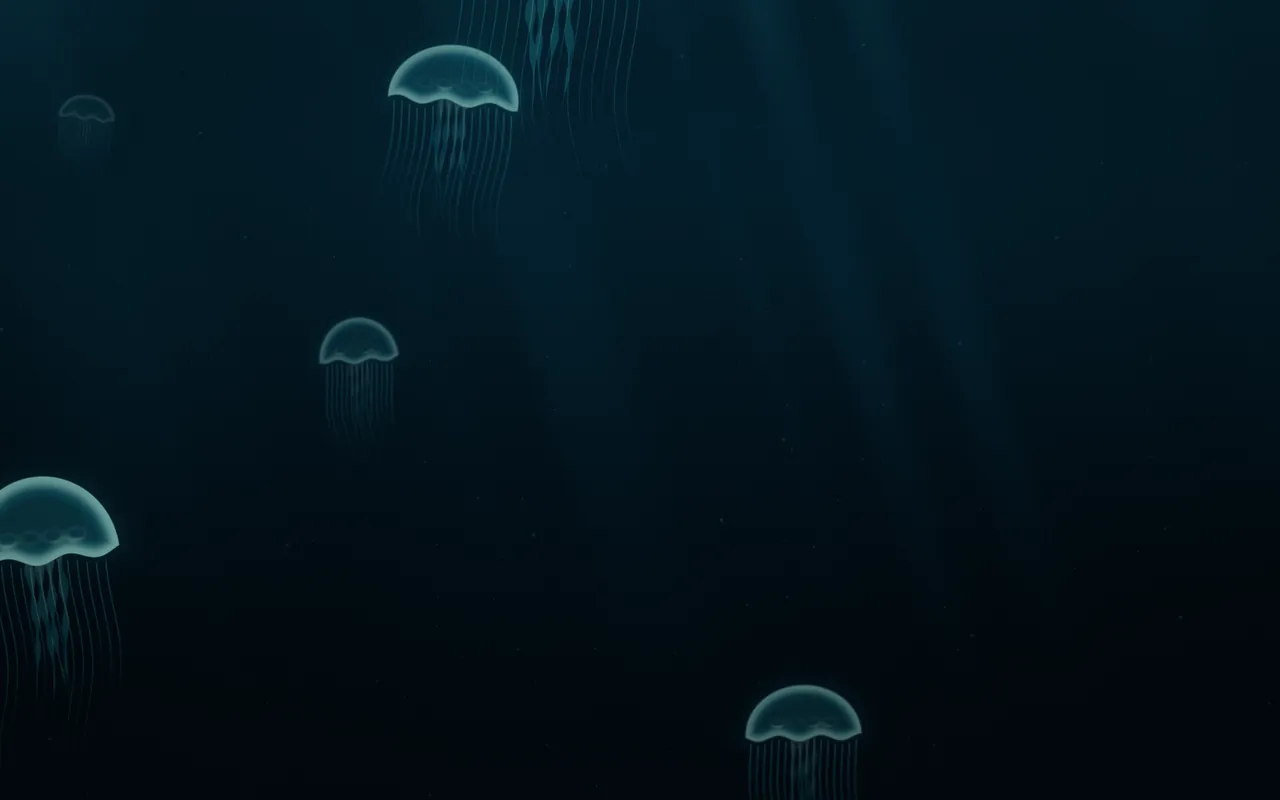
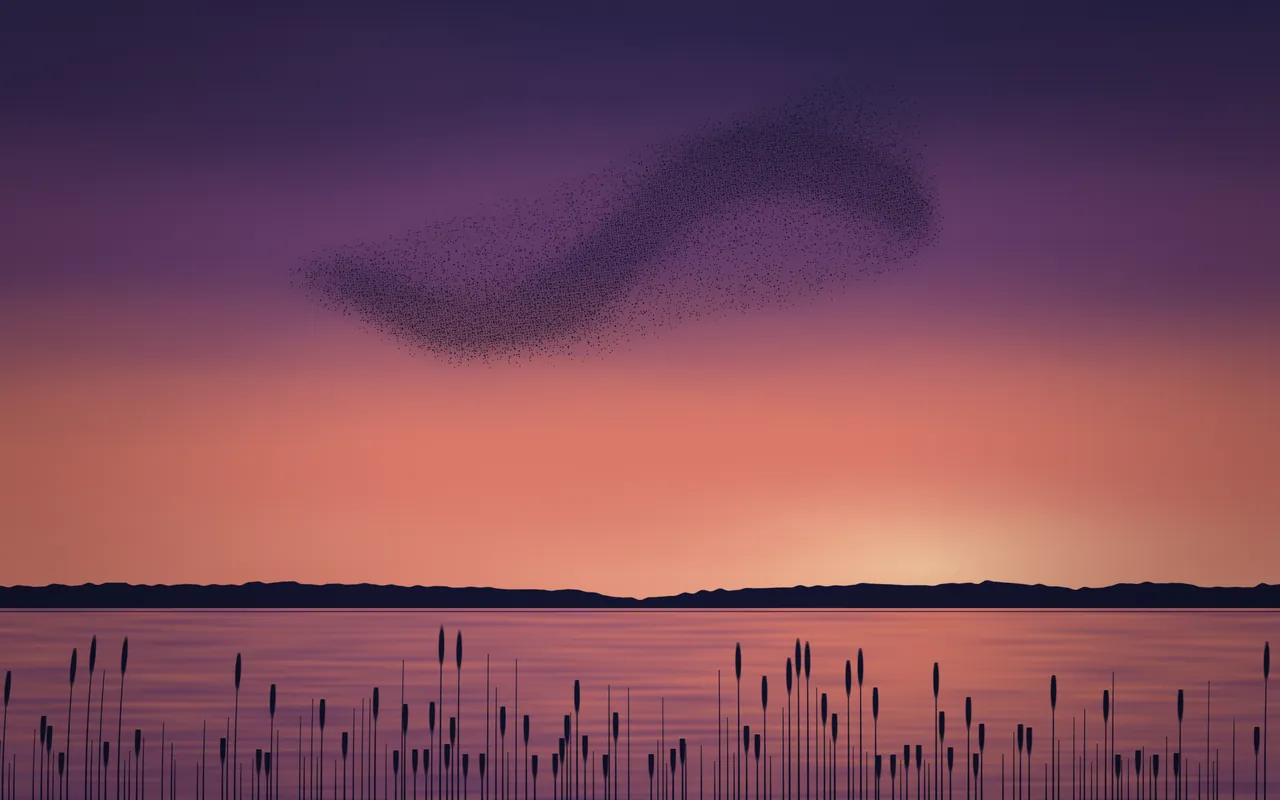
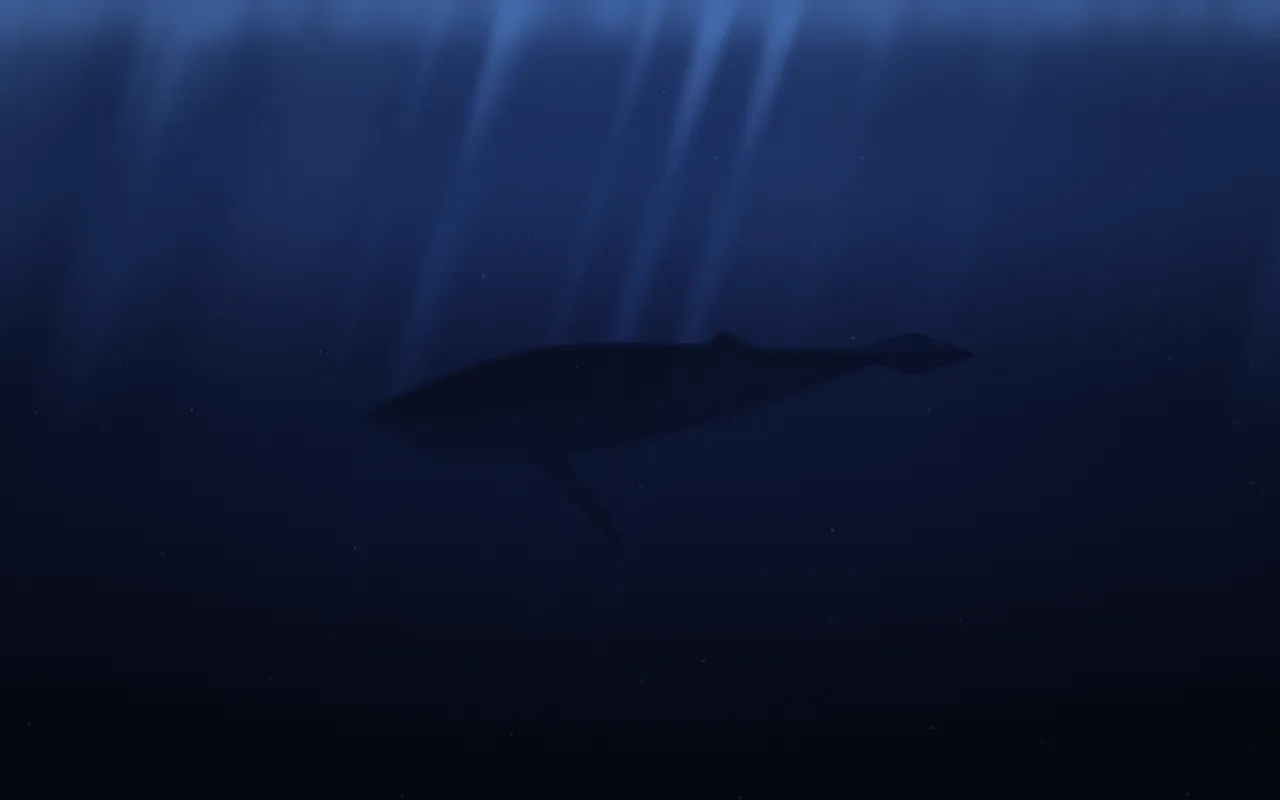
Seven scenes with something alive in them: koi under lily pads, moon jellies, starlings, a humpback whale, a shoal of fish, geese and a cat asleep on the sill. Koi is free.
Living Stills
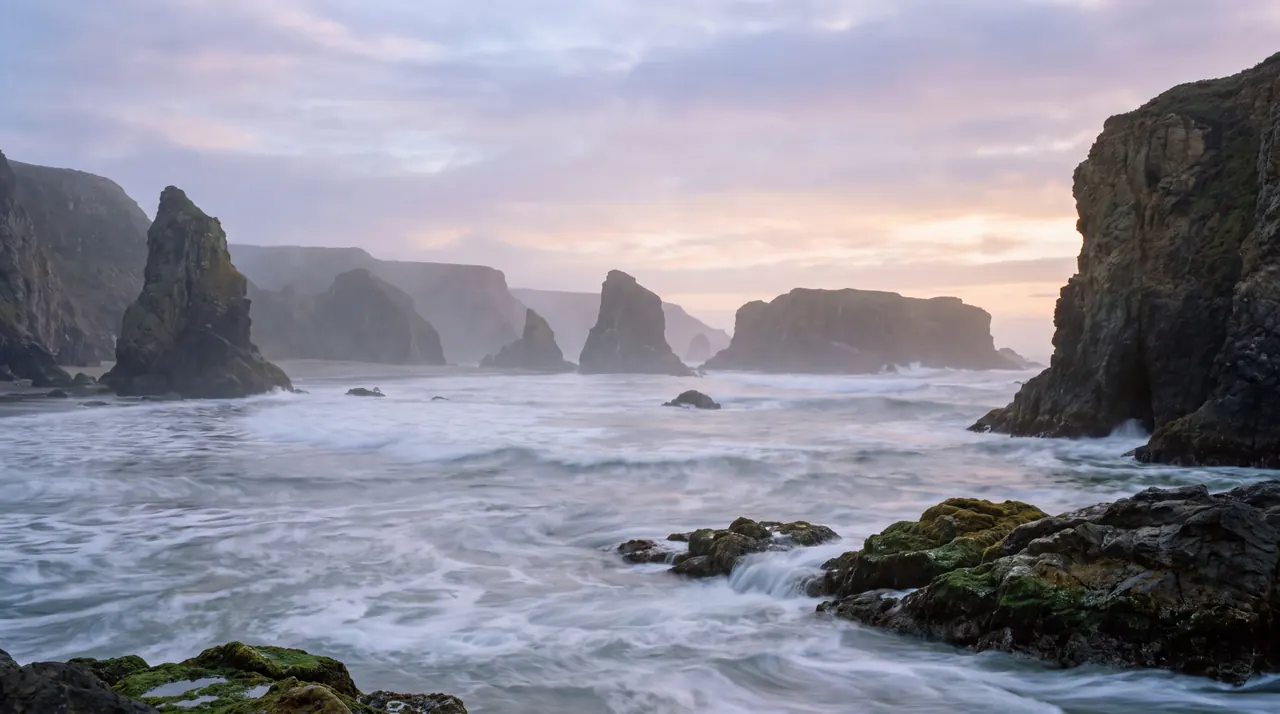
Still pictures with depth
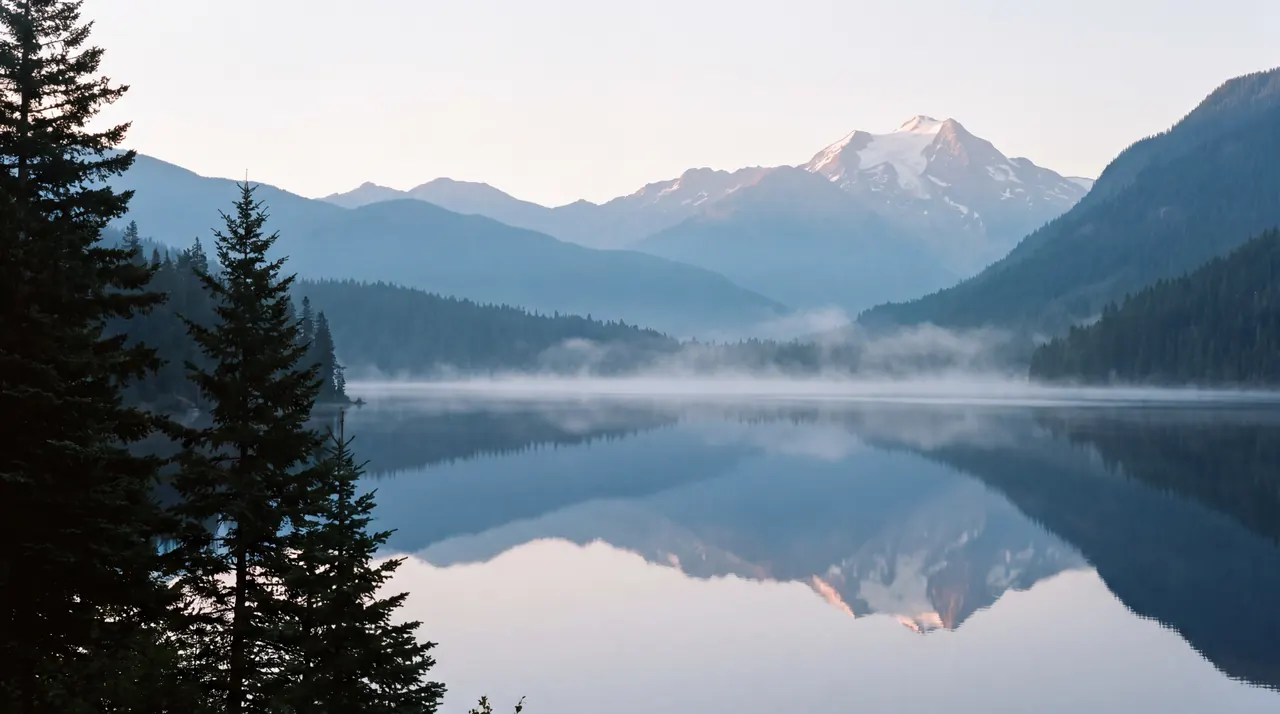
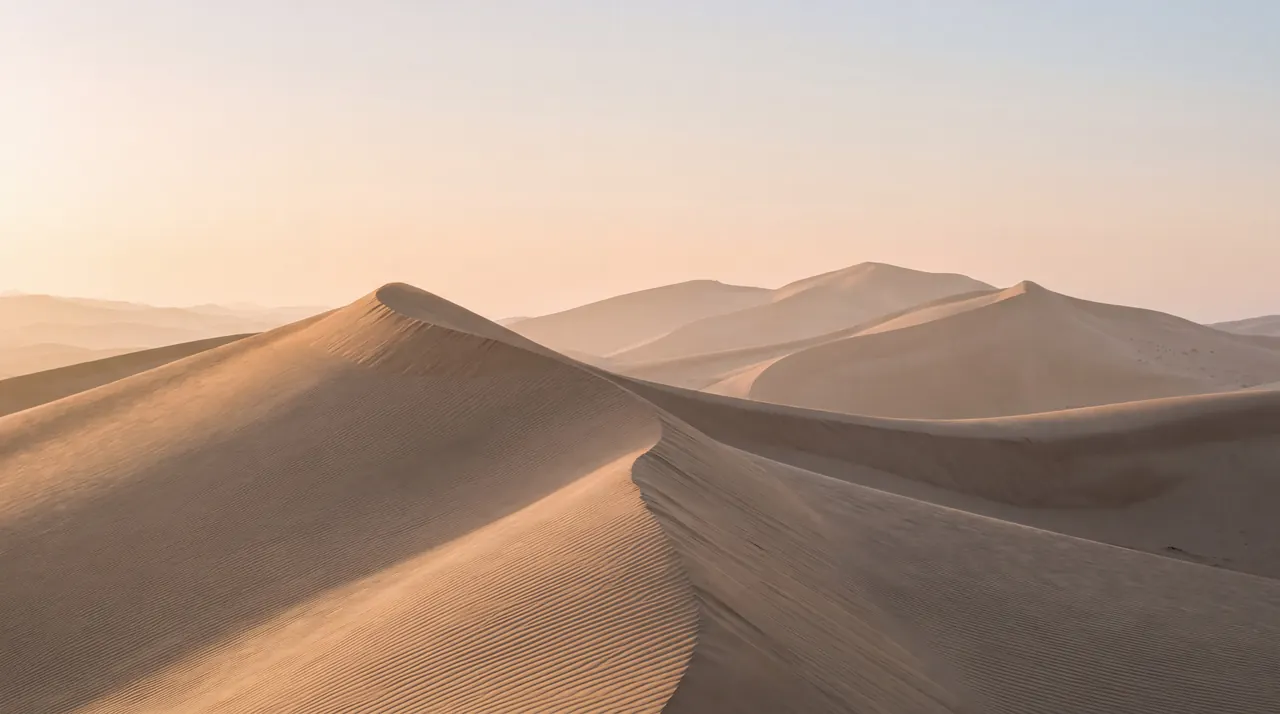
Nine still pictures, each with a depth map. Near things move a little more than far ones, so a still lake starts to feel like a window. The palette leaves the picture alone and tints your widgets to match.
Drawn, not played back
A video wallpaper is a recording on a loop: its colors are fixed and the file has to be decoded all day. Each MacScapes scene is a small Metal program instead, and your Mac draws it fresh for every frame.
That’s what lets one scene take on any of the 48 palettes, from Paper to Neon Tokyo, and why speed, intensity and each scene’s own controls, like the fog line in Mist, change it as you watch.
Every scene is built to a budget of about two milliseconds of GPU time per frame at 1440p, and drawing stops whenever the desktop is covered, the display sleeps or the screen is locked. The free version runs at 30 frames per second; Pro adds 60 and 120.
The 9 Living Stills are the exception: detailed still pictures with a depth map, so near things move a little more than far ones.
Questions
Are the scenes videos?
No. Each scene is a small program that your Mac's graphics chip draws live, frame by frame. That's why any palette can recolor it and why its speed, intensity and other controls change it as you watch. Video backgrounds are there too, with Pro, for clips of your own.
Which scenes are free?
Mist, Aurora, Haze, Daybreak, Silk, Contours and Koi, with 11 palettes. The free version doesn't expire. Pro opens all 42 scenes, the 9 Living Stills and all 48 palettes.
How much battery does it use?
As little as we can manage. Each scene is designed to a budget of about two milliseconds of GPU time per frame on Apple silicon, and drawing stops whenever the desktop is covered, the display sleeps or the screen is locked. On battery, MacScapes lowers the frame rate, or switches to a battery vibe you choose.