Compare
Wallpaper Engine for Mac: the best alternatives
There’s no Wallpaper Engine for Mac, and its developers say none is planned. The best alternative for most Mac users is MacScapes: its scenes are drawn live like Wallpaper Engine’s, with widgets and sound to match, and it has a free version. If you already own a Wallpaper Engine library on a PC, Vivid Walls can play it on a Mac.
By Chris at Neon FrenchieUpdated



The best Wallpaper Engine alternatives, by need
- Best overall
- MacScapes
- Scenes drawn live, with widgets, sound and folder icons to match. Free to start.
- Your Wallpaper Engine library
- Vivid Walls
- Imports it from a Windows PC. $9.99, Apple silicon only.
- Video library
- Backdrop
- Thousands of community videos and a moving Lock Screen.
- Free video
- Aerial
- Apple's aerials or your own clips, open source.
- Web wallpapers
- Plash
- Any website or dashboard as your wallpaper, free.
- One-time 4K video
- Wallper
- About 2,900 4K videos for $14.99 once.
Why there’s no Mac version
Wallpaper Engine’s own help page says it’s available for Windows and Android, that there are no immediate plans to support other platforms, and that adding Mac or Linux support isn’t economically viable for the team right now. On Steam it lists Windows 10 and 11 only. It sells for $4.99, and its Steam Workshop holds hundreds of thousands of free wallpapers.
What you’d miss, and what replaces it
| Wallpaper Engine | On a Mac | |
|---|---|---|
| Scene wallpapers | Animated scenes drawn live, made in its editor | MacScapes draws 42 scenes of its own live. Vivid Walls plays many imported scenes |
| Steam Workshop | Hundreds of thousands of free community wallpapers | No Mac app has the Workshop. Vivid Walls plays what you already subscribed to. Backdrop has a community library of thousands |
| Video wallpapers | Yes, from the Workshop or your own files | Backdrop and Wallper for libraries. Aerial and MacScapes Pro for your own clips |
| Web wallpapers | Yes | Plash, free. Vivid Walls also plays them |
| Matching widgets and sound | Not listed | MacScapes: widgets, folder icons and ambient sound that take their colors and mood from the scene |
| Playlists by time of day | Yes | MacScapes switches at set times, sunrise or sunset. Wallper and Vivid Walls have time-of-day playlists |
| Scene editor | Yes | None of the apps ranked here has one. In MacScapes you change a scene's speed, detail and palette |
| Price | $4.99 once, Windows only | MacScapes is free, or $19.99 once for Pro |
The alternatives side by side
| Pick it if | Price | Requires | |
|---|---|---|---|
| MacScapes | You want animated scenes drawn live, like Wallpaper Engine's scene wallpapers, with widgets and sound to match | Free. Pro is $1.99 a month, $12.99 a year or $19.99 once | macOS 14 or later, Apple silicon and Intel |
| Vivid Walls | You already own Wallpaper Engine on a Windows PC and want your library on the Mac | $9.99 once | macOS 14 or later, Apple silicon only |
| Backdrop | You want a big library of video wallpapers, much like the Workshop's video side | $1.99 a month, $14.99 a year or $29.99 once | macOS 15 or later |
| Wallper | You want 4K video wallpapers for a one-time price | $14.99 once for 3 Macs (Pro), $24.99 for 5 Macs (Pro+) | macOS 14.6 or later. Lock Screen needs macOS 26 |
| Aerial | You want video for free: Apple's aerial videos, or your own clips | Free | macOS 26 or later for 4.1. Version 4.0.16 for macOS 15 |
| Plash | You used web wallpapers, or want a live dashboard as your desktop | Free | macOS 26.4 or later. Older versions on its website for older macOS |
1. MacScapes: best overall
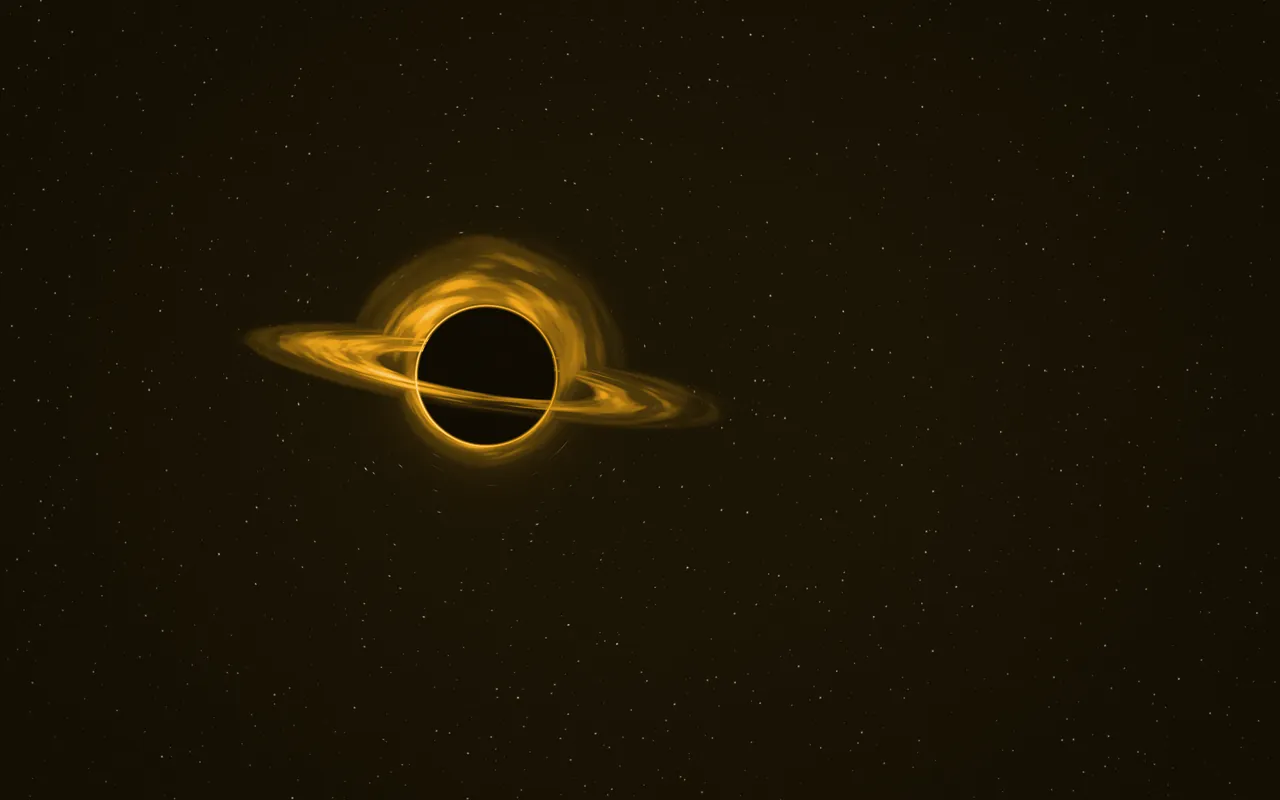
MacScapes doesn’t run Wallpaper Engine scenes. It has its own: 42 animated scenes, from fog and aurora to koi, rain and a black hole (Event Horizon), drawn live with Metal and recolored by any palette. You can slow a scene down, change its detail and save it with widgets, folder icons and ambient sound as a vibe. Schedules change the vibe at set times or with the sun. The free version has 7 scenes; Pro is $12.99 a year or $19.99 once.
2. Vivid Walls: if you already own Wallpaper Engine
Vivid Walls is the only Mac app we found that imports a Wallpaper Engine library from a Windows PC. It draws many scene types with Metal and also plays video and web wallpapers. Fidelity varies from scene to scene, and most of its updates fix rendering. It costs $9.99 after a 3-day trial and needs an Apple silicon Mac. It isn’t affiliated with Wallpaper Engine.
3. Backdrop or Wallper: for a video library
Backdrop has a community library of thousands of video wallpapers and plays them on the Lock Screen too, from $1.99 a month or $29.99 once. Wallper has about 2,900 4K videos for $14.99 once, after a 7-day trial. Neither has a scene editor like Wallpaper Engine’s. See Backdrop vs Wallper.
4. Aerial and Plash: free
Aerial is free and open source. It plays Apple’s aerial videos, community packs or your own clips, picks them by time of day, and adds overlays like a clock or the weather. It needs macOS 26. Plash shows any website as your wallpaper, which covers what Wallpaper Engine’s web wallpapers did.
Newer apps worth a look
- Atheria: 85 wallpapers drawn with Metal, including fractal flames you shape yourself, with triggers by time of day or power source in Pro. Free, Pro $9.99 once. Needs macOS 15 or later.
- VoxelWall: Real-time 3D scenes drawn with Metal, some of them reacting to audio. First released in September 2026. $29.99 lifetime unlock. Needs macOS 14.4 or later.
- Reactive Wallpaper: About 50 Metal shader effects that react to the pointer, plus your own videos. The same wallpaper on every display. $8.99 once. Needs macOS 14 or later, Apple silicon only.
- Wallux: A video wallpaper library with interactive effects like parallax and ripples, and desktop pets. $2.99 a month or $9.99 lifetime. Needs macOS 15 or later.
Looking for the free Windows app instead? See Lively Wallpaper for Mac. For the full field, see our ranking of the best live wallpaper apps for Mac. We make MacScapes; facts about the other apps come from their own pages and listings.