Animals
Koi fish live wallpaper for Mac
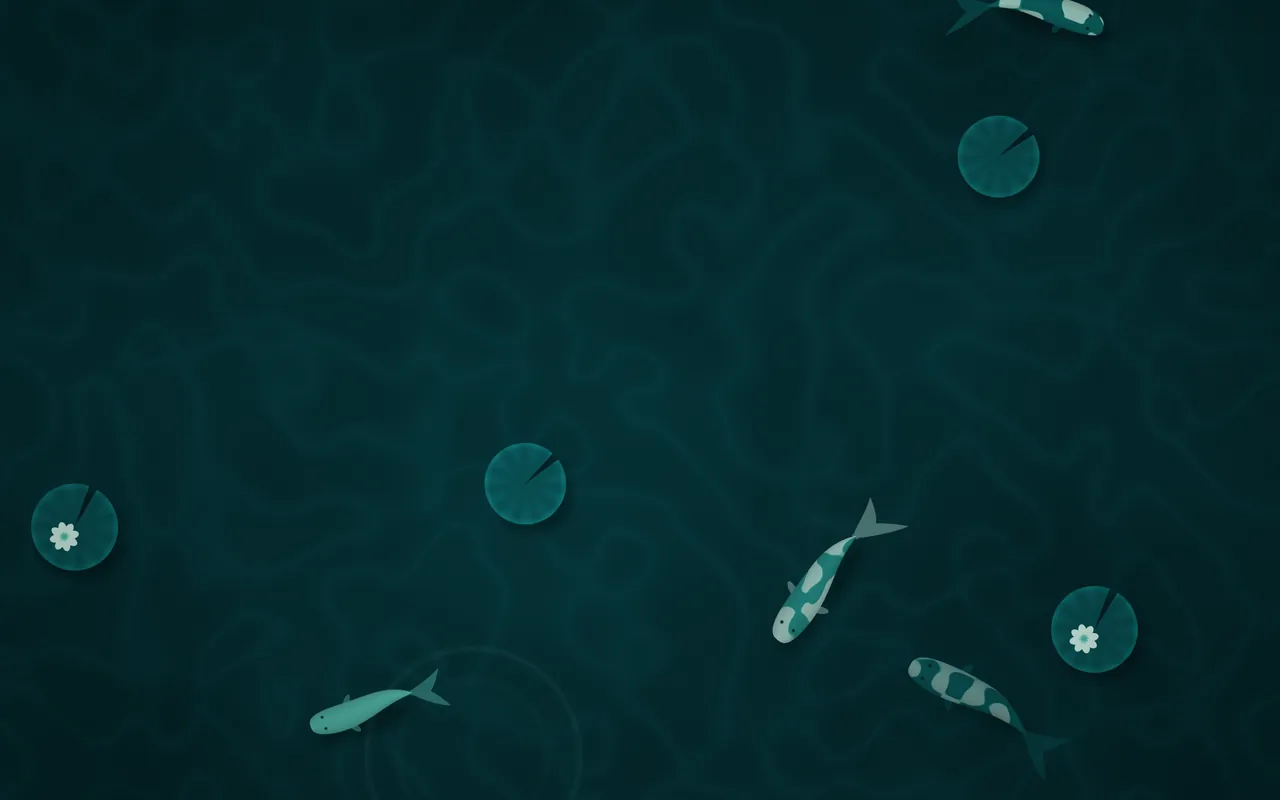
Koi is a free live wallpaper for the Mac: koi fish glide through a lily pond seen from above, drawn live by MacScapes. It's one of the seven scenes in the free version, and its default Lagoon palette is free too.
By Chris at Neon FrenchieUpdated
- In MacScapes
- Free, with the 11 free palettes
- Family
- Animals
- Default palette
- Lagoon
- Built-in vibe
- Koi Pond
A pond from above
The koi swim slow, looping paths, their bodies bending into each turn and their tails beating as they go, and each casts a soft shadow on the floor below. Four kinds are mixed in: pale fish with darker patches, plain ones, dark fish with pale markings, and a metallic one with a sheen along its back. The deeper a fish swims, the smaller it looks and the more it fades into the water.
Sunlight dapples the pond floor, lily pads drift a little on the surface, some carrying a flower, and every few seconds a ring spreads out from a touch on the water and fades. Scale makes the fish and pads larger or smaller.
Free, with a free vibe
Lagoon, Midnight, Moss and Glacier are among the free palettes that suit it; the other 37 need Pro. The built-in Koi Pond vibe pairs it with Lagoon, a Clock widget and the Stream sound, and it's one of the vibes that work without Pro: the Clock is a free widget, and the Stream sound simply stays silent until you have Pro.
On your desktop
The fish range over the whole screen, so there's no empty corner as such, but the motion is slow and the dark teal default keeps it calm behind windows. On a light palette such as Paper the pond turns pale and the fish read like ink on paper.
Stream, water over stones, is the sound the app pairs with it; Rain also suits a pond.
Settings
Every scene has Speed, Intensity, Scale, Grain and Vignette, and Shuffle for a new variation. Koi adds its own:
- Fish
- How many koi are in the pond, from three to nine (six to start).
- Lily pads
- How many lily pads float on the surface, from none to seven.
How to set it
- Click MacScapes in the menu bar, choose Open MacScapes, then Scenes in the sidebar (or press ⌘2).
- Select Koi under Animals. The inspector opens with a preview, the palettes and the Adjustments.
- Click Apply to make it the background of the vibe you’re using, or Save as New Vibe to keep it alongside your widgets and sound.